End the meeting with a few decisions
Use a short predictable conversation to hear what was unclear and check the coming week. Ask children about workload and reward choices, then focus on one change rather than rewriting every rule. Record the decision, who handles it and the next review date. If a task did not need any change, leave it alone. The meeting can happen with a paper card; this website does not create app meeting notes, shared calendar events or automatic plan updates.
A worked family example
Ask: which job was unclear, what changes next week and which reward promise needs a time? Then update the swim-day exception and confirm the weekend game choice.
A plan to adapt
| Part of the plan | A concrete choice |
|---|---|
| Question 1 | What worked this week? |
| Question 2 | Which task needed more help? |
| Question 3 | What changes next week? |
| Question 4 | When will the agreed reward happen? |
| Question 5 | Who handles the one change? |
Try this in your household
- Ask which job was unclear.
- Check next week’s exceptions.
- Confirm an outstanding reward promise.
- Record one change, its owner and the next review date.
Where the app can help
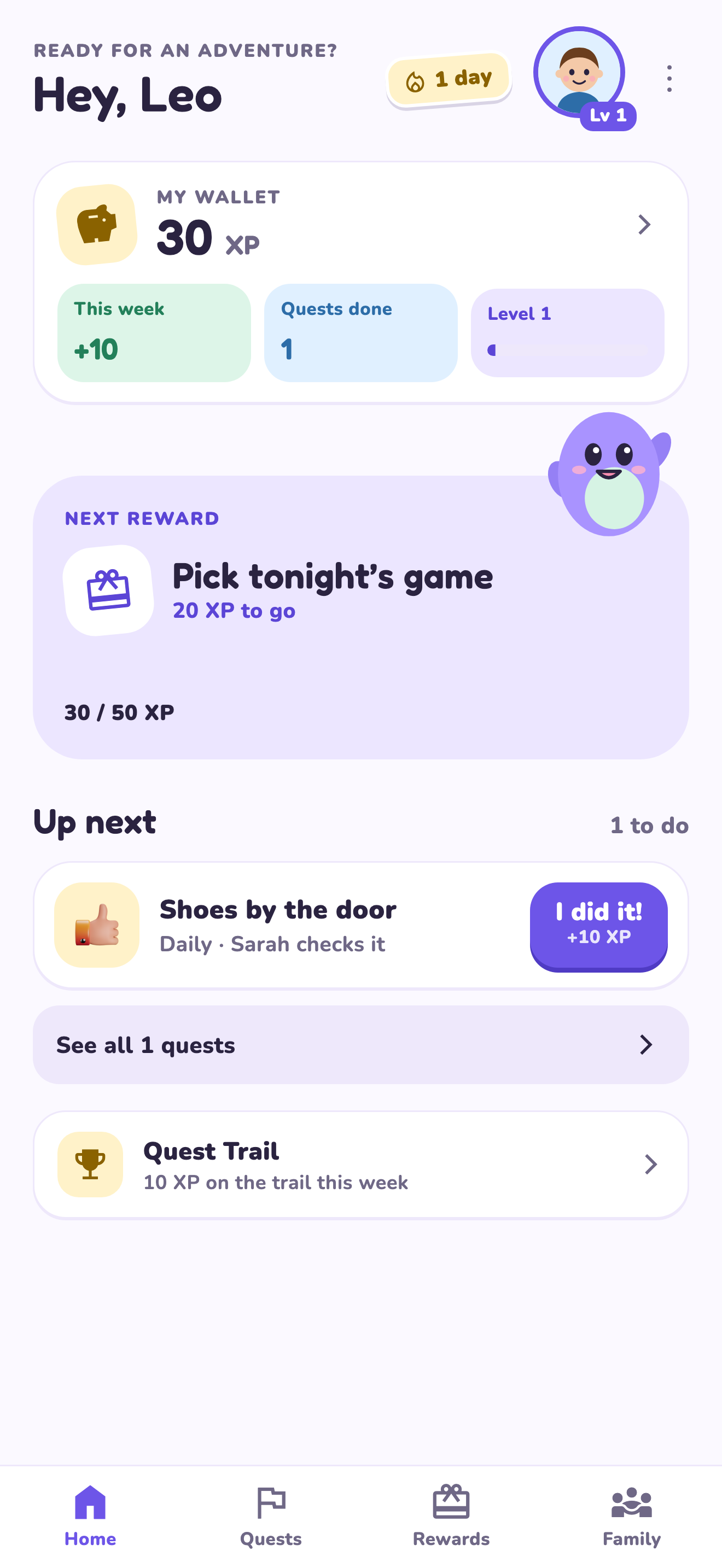
LvlUpKids turns responsibilities into quests, lets a child submit finished work, and lets a parent review it before approved XP goes toward a family-chosen reward. See how LvlUpKids turns chores into parent-approved quests, XP and chosen rewards.
The website template is separate from your account. Edit and print locally, then manually enter selected tasks in the app if you want the quest workflow. There is no automatic import, account save or AI connection on these pages.
Explore the chore app · Free to download, with in-app purchases. Check the store and purchase screen for current device requirements and terms.