Put availability into the promise
Check the adult time and preparation before putting an activity on the reward menu. A choice within an already-planned family game session is easier to keep than an outing nobody has scheduled. Name who will help provide the activity and a workable window. If circumstances change, explain what happened and ask the child to agree on a new time or alternative. Do not quietly erase a promise after the child has completed the agreed work.
A worked family example
The child chooses the next family game, and the family already has a Saturday game slot. A bigger outing is not offered unless an adult can plan and provide it.
A plan to adapt
| Part of the plan | A concrete choice |
|---|---|
| Reward | Choose the next family board game |
| Feasible time | Existing Saturday game slot |
| Responsible adult | Adult organizing that session |
| Backup | Another agreed choice or a new time if the plan changes |
Try this in your household
- Choose a reward you can realistically provide.
- Name the responsible adult.
- Agree on an available time or window.
- Discuss a changed plan and agree on the alternative.
Where the app can help
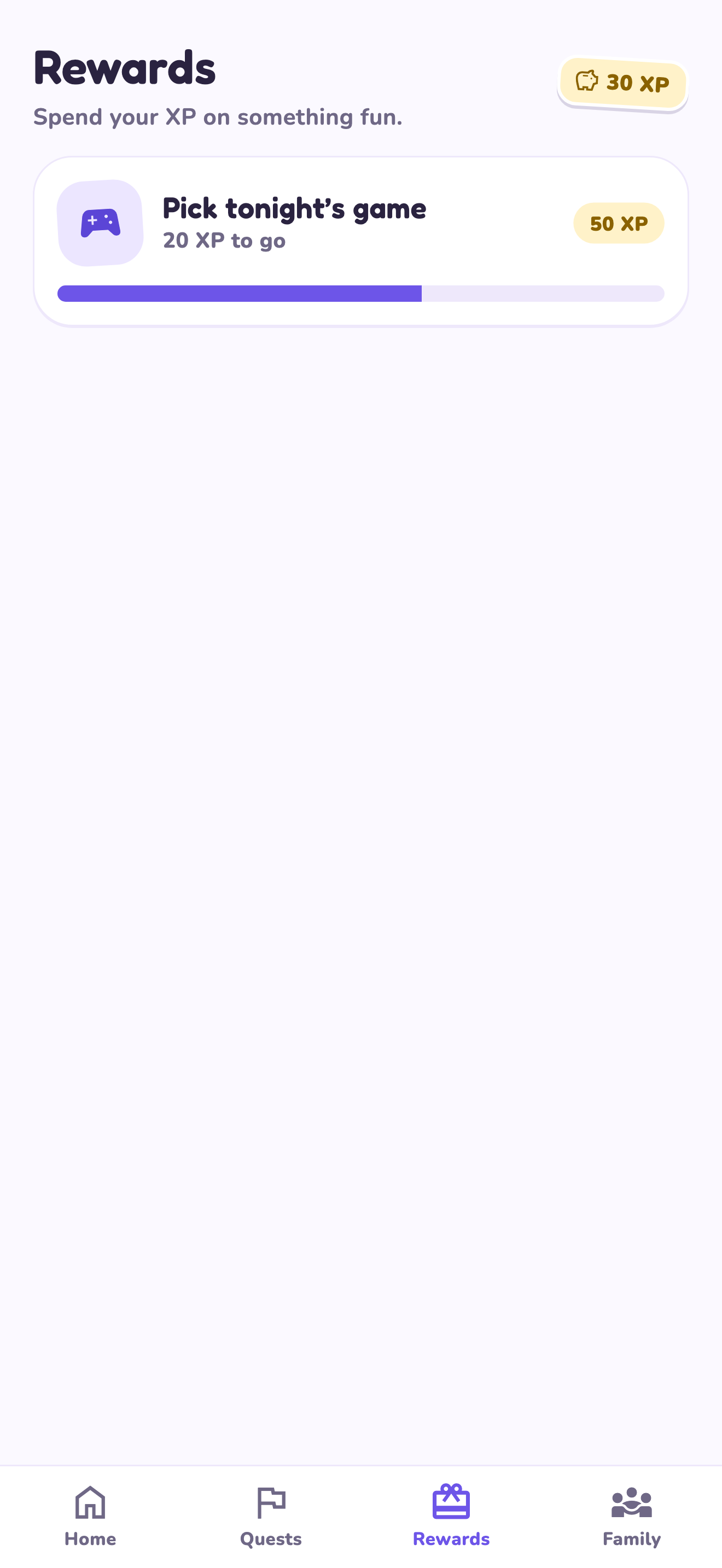
LvlUpKids turns responsibilities into quests, lets a child submit finished work, and lets a parent review it before approved XP goes toward a family-chosen reward. See how LvlUpKids turns chores into parent-approved quests, XP and chosen rewards.
The website template is separate from your account. Edit and print locally, then manually enter selected tasks in the app if you want the quest workflow. There is no automatic import, account save or AI connection on these pages.
Explore the chore app · Free to download, with in-app purchases. Check the store and purchase screen for current device requirements and terms.