

You’ve said “shoes” four times.
The shoes have not moved.
Tonight goes differently. One quest. One tap from your kid. One win you approve from the sofa. No fifth reminder.
The sticker chart died in week two.
The nagging didn’t.
Charts need you to remember. Allowance turns every chore into a negotiation. What you actually want is a finish line your kid can see, and a moment where they come to you.
The shoes land on the mat.
Not because you asked again. Because there was a quest on their screen with their name on it, and a finish line they could actually see.
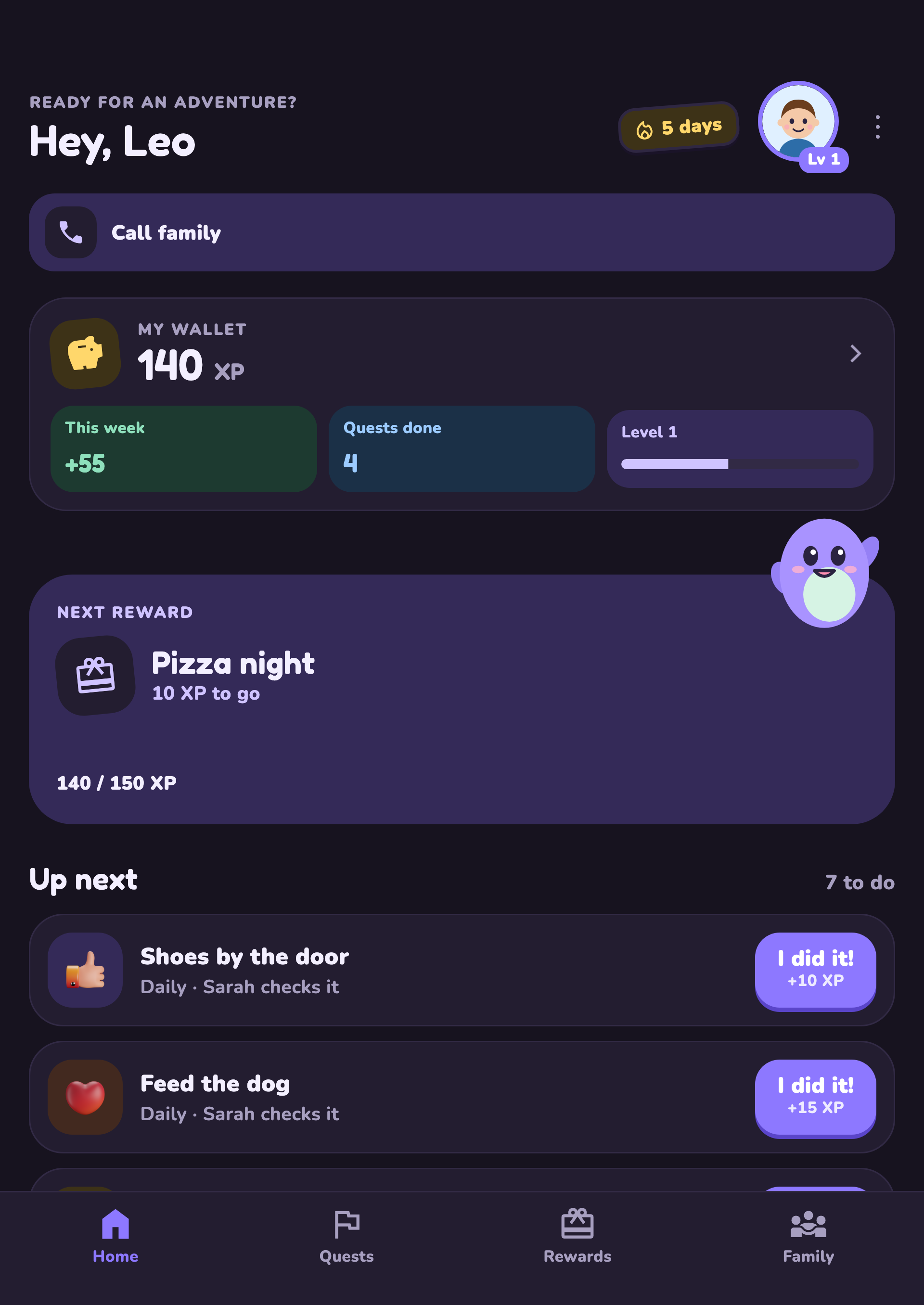
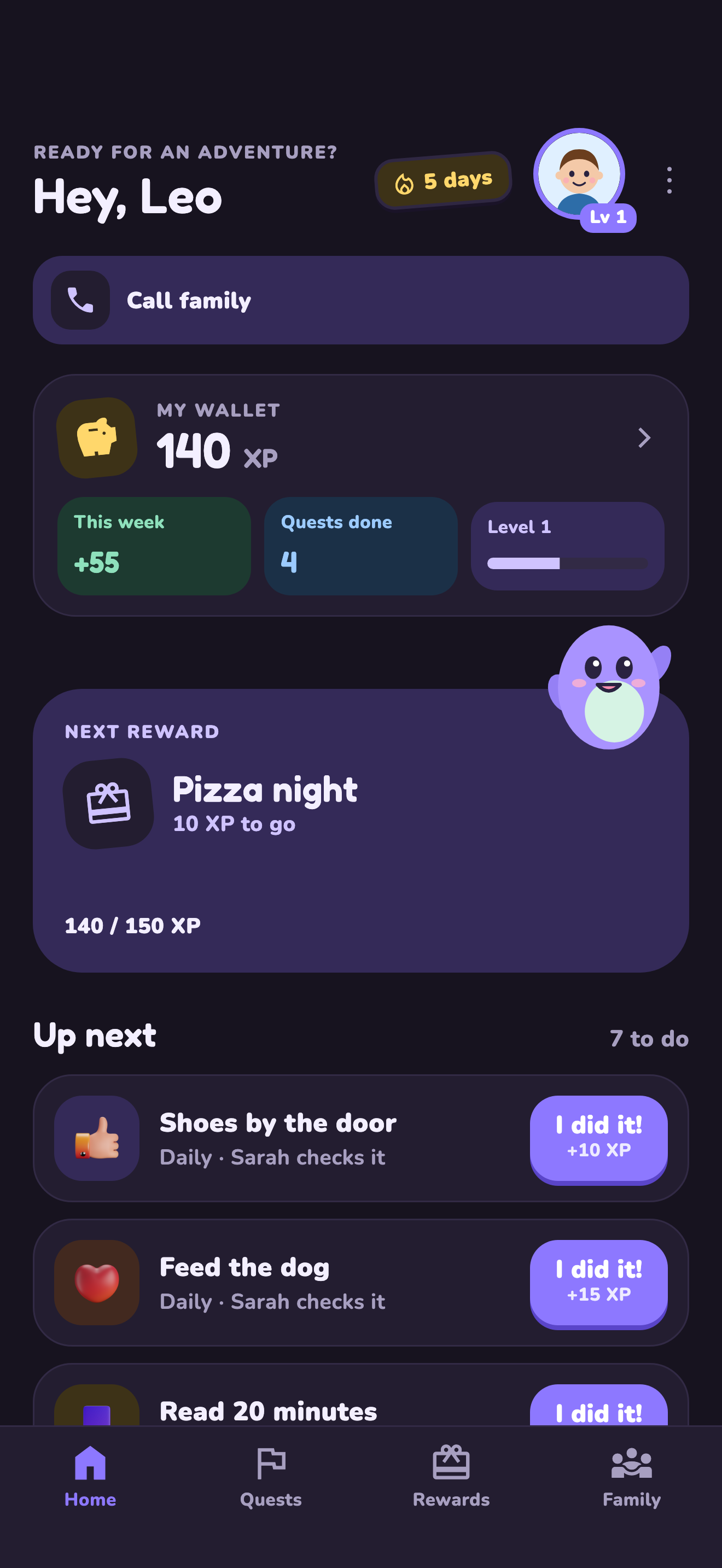
“I did it!”
The quest sat on their screen. Not a word from you. When the shoes landed on the mat, they tapped the button and came to find you. That part never gets old.
You approve it.
From the sofa.
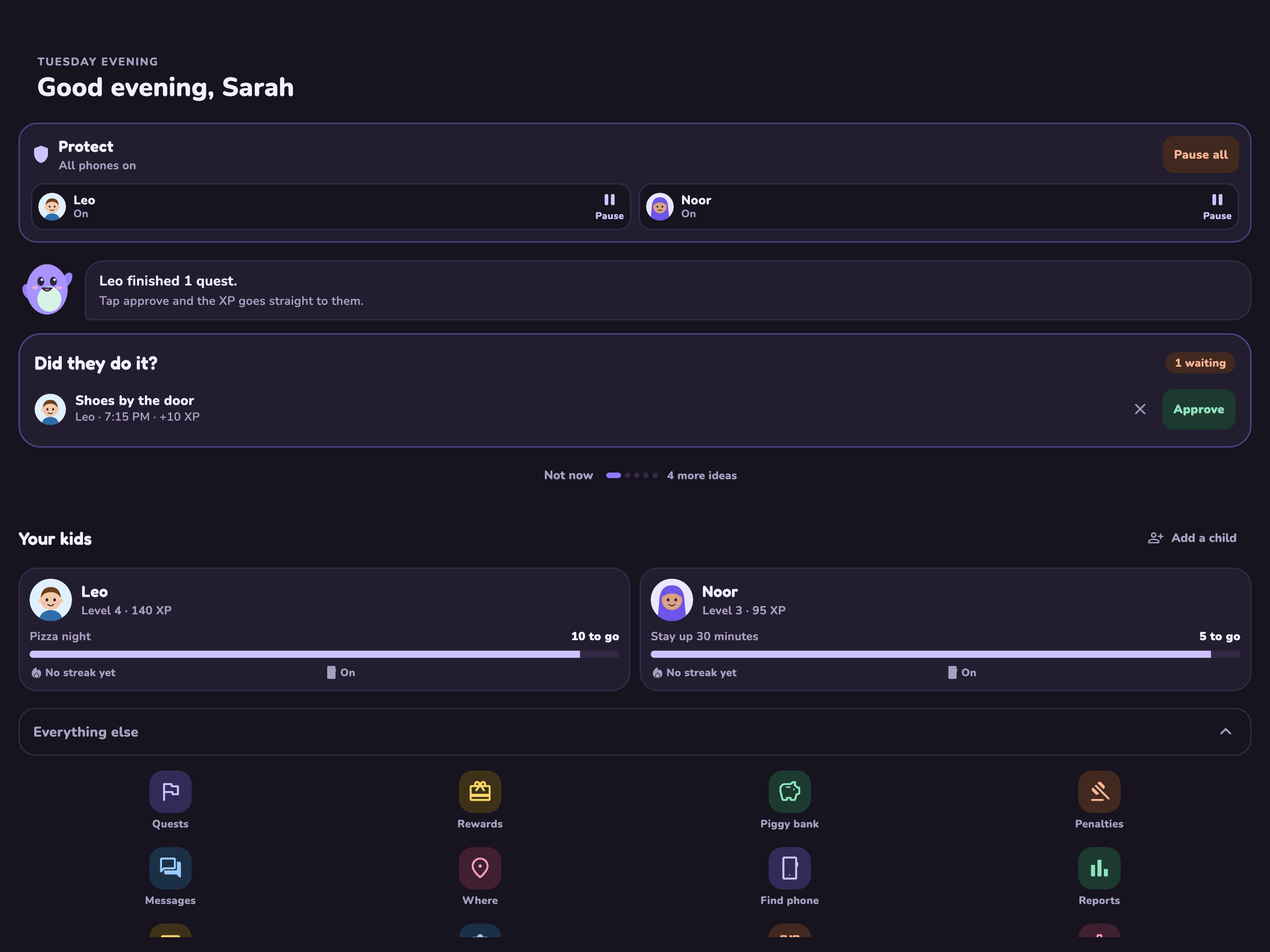
Pip tells you what’s waiting. “Approve”, or ask for another go. You decide what counts as done. One tap. Still sitting down.
Ten XP closer to pizza night.
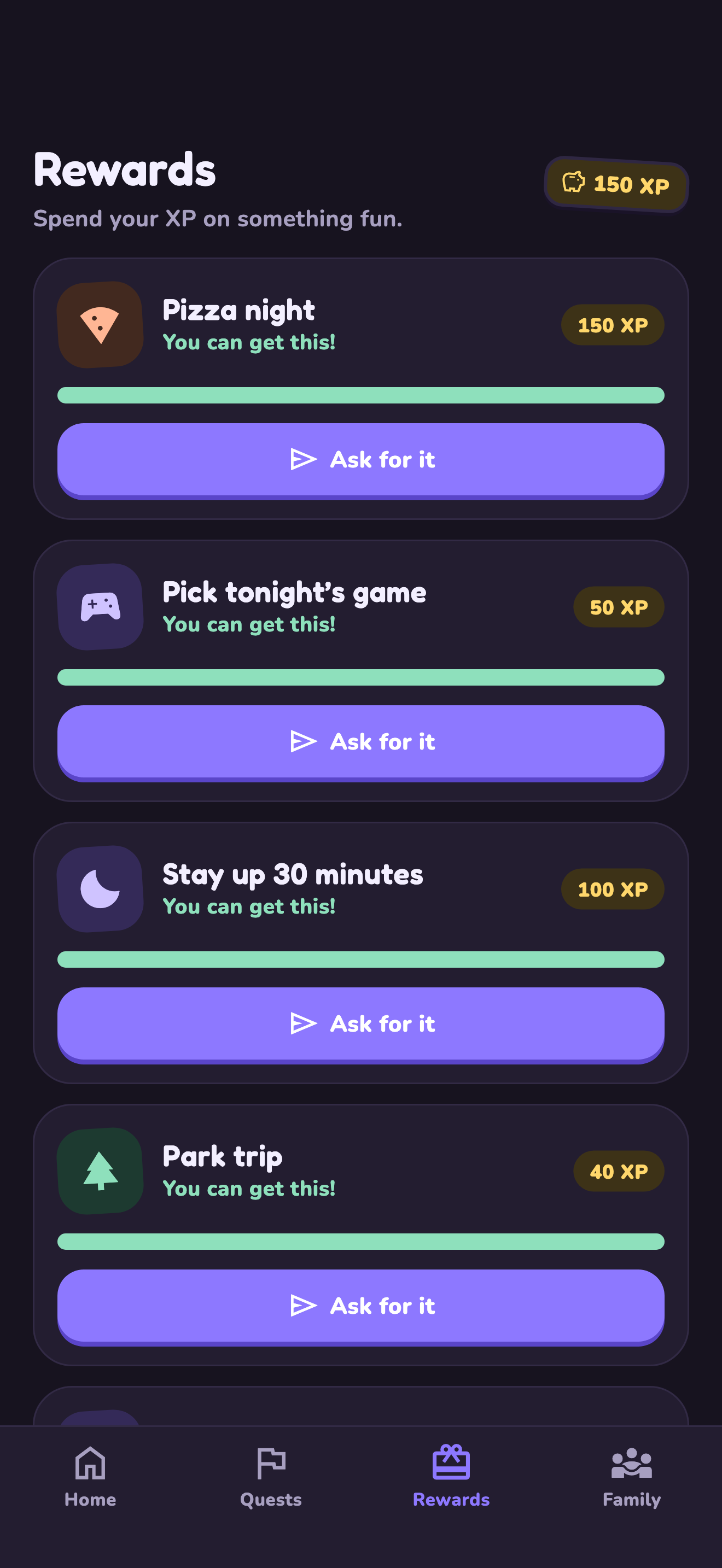
The reward is one your family picked. You set what it costs. Your kid watches the bar fill up, which is the exact thing the fridge chart could never do.
Grandma says yes.
You said no.
Not anymore.
Co-parents and grandparents see the same quest, the same reward, the same rules. And when nobody can agree on a movie, the games are built in.
Your family is not the product.
You’re trusting us with your kid’s name and your evenings. We keep that simple.
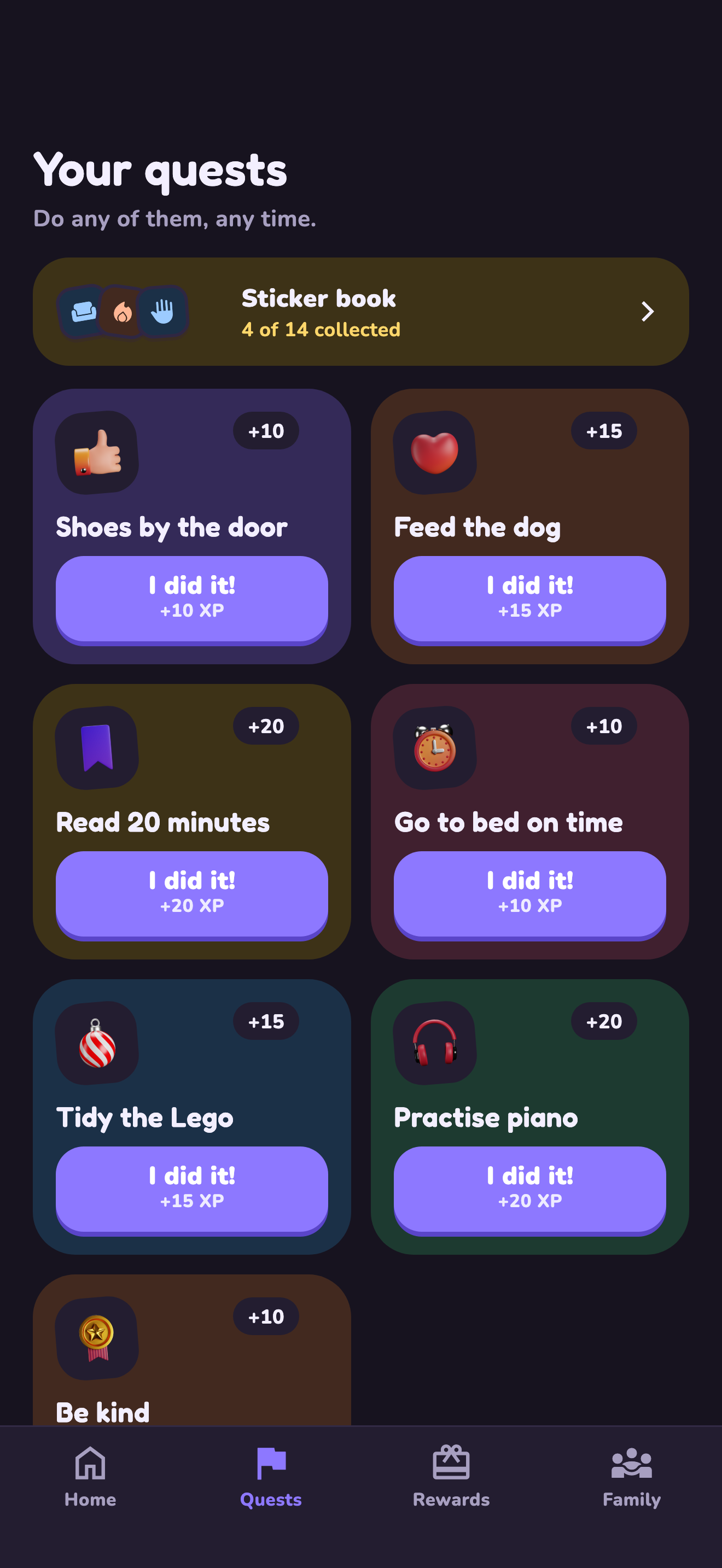
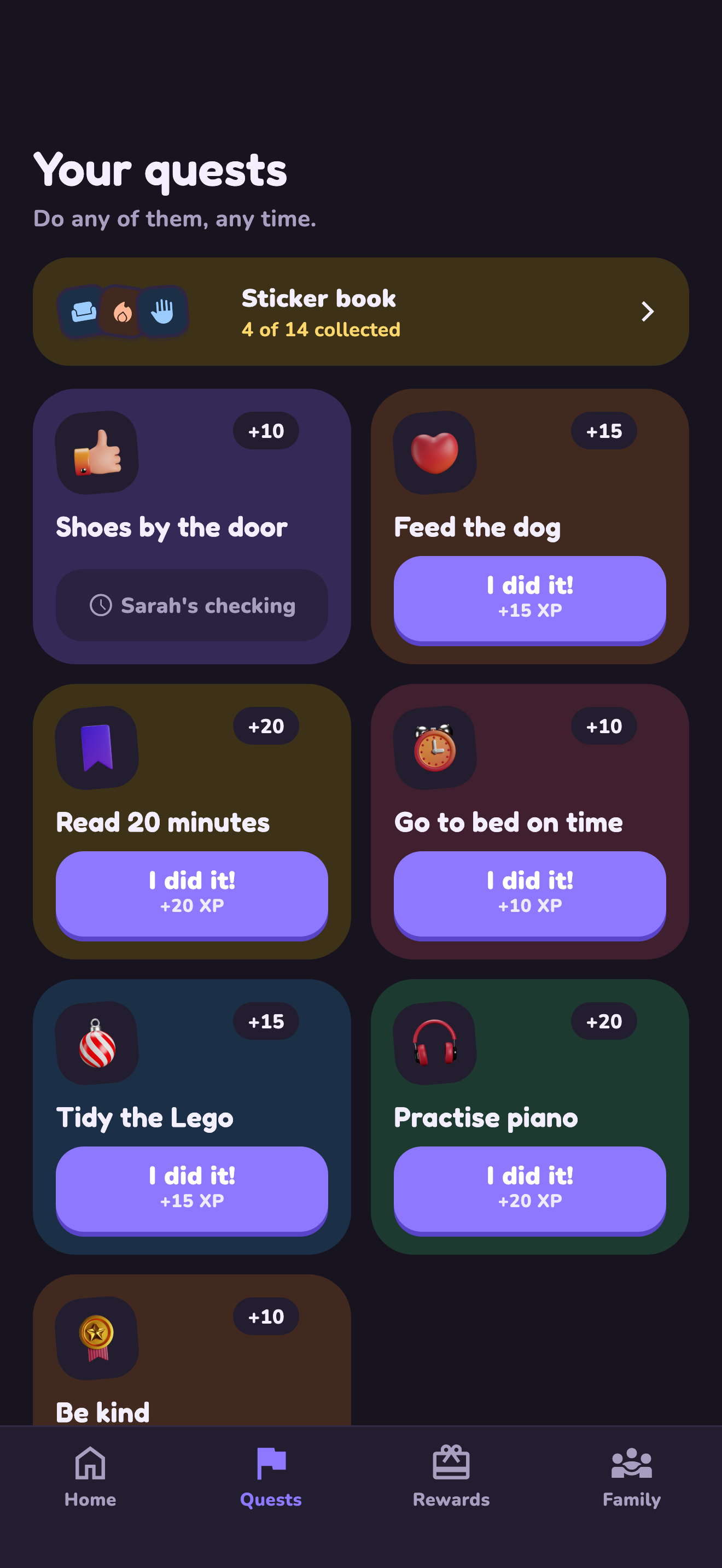
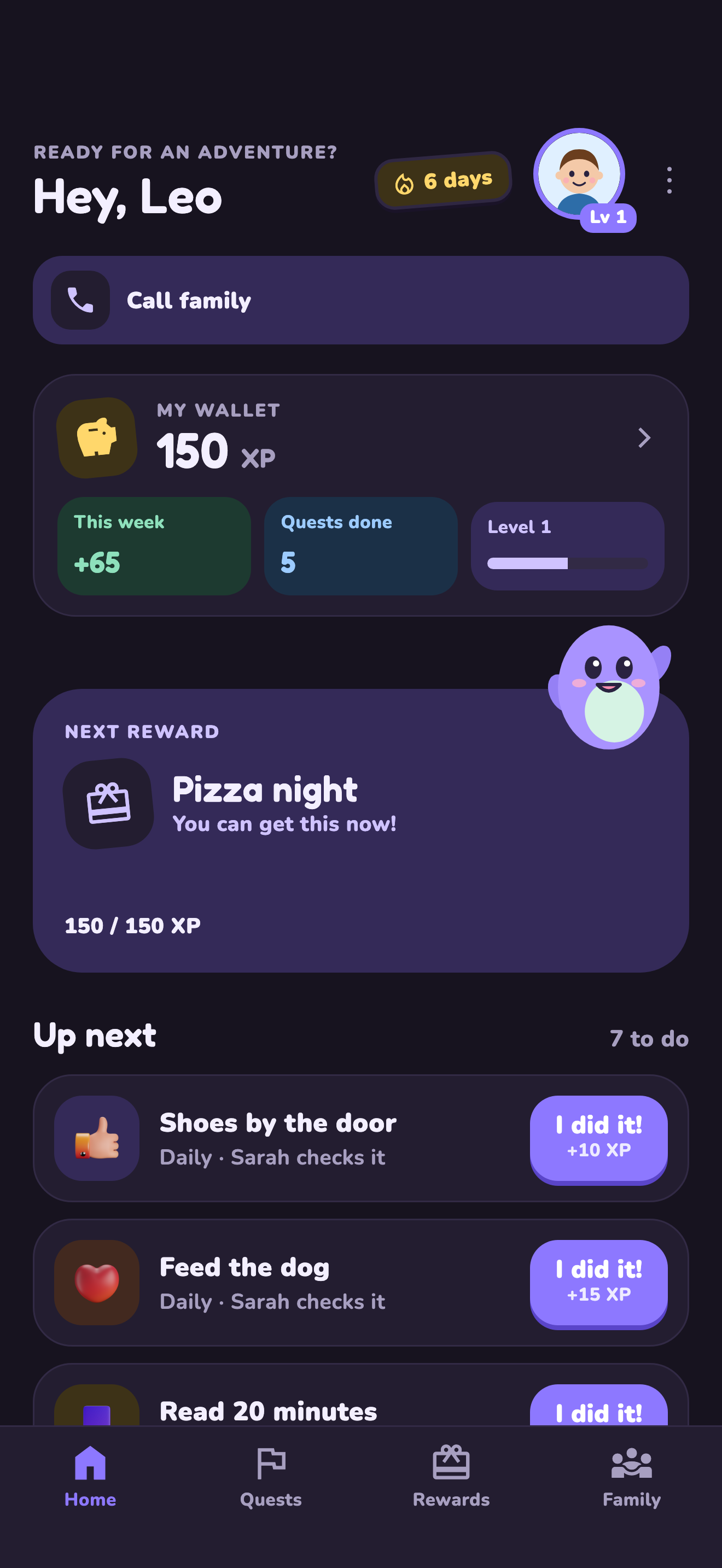
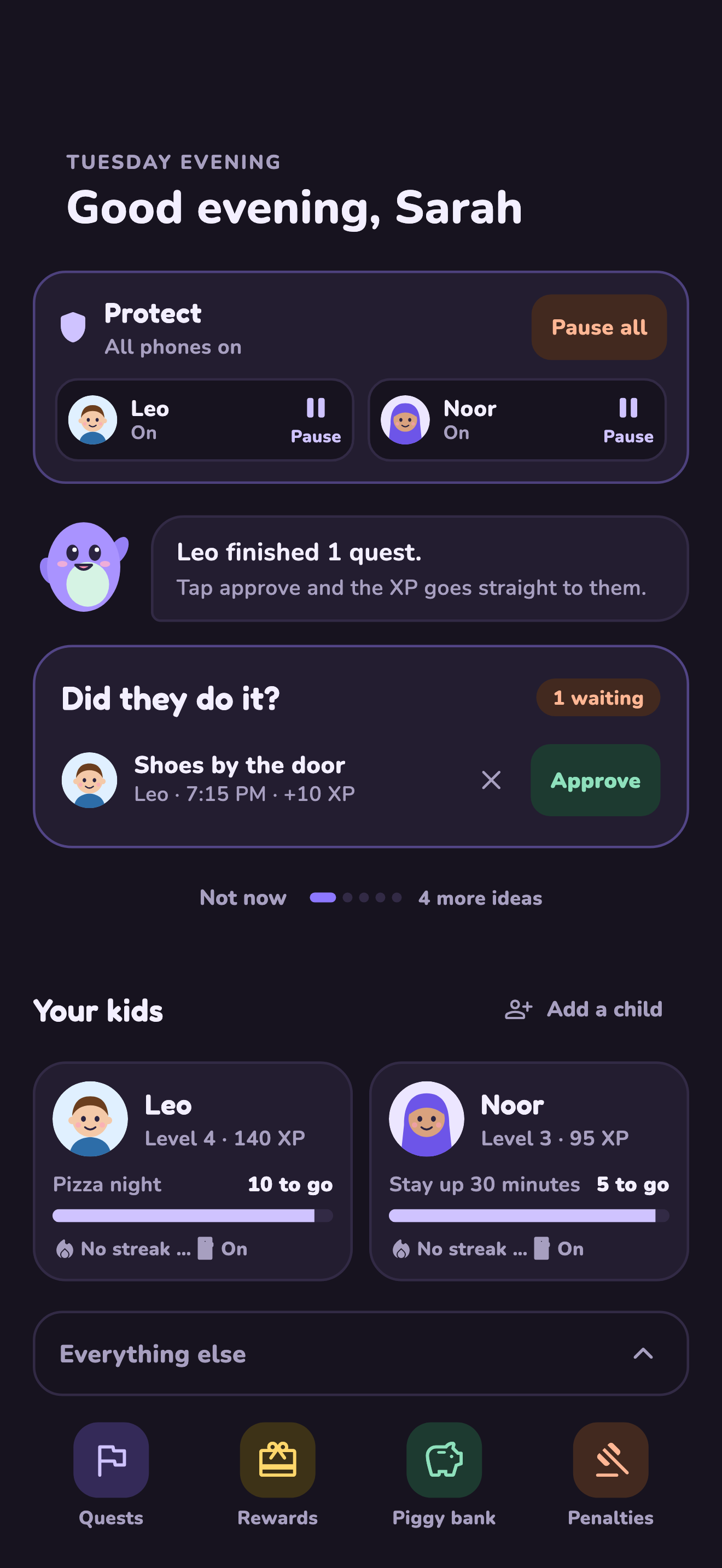
What both of you see
Five screens. That’s the whole loop.
Real screens from the newest app build, dark mode, example family. Fictional data.
Every screen in the house
Grandma’s iPad. Your iPhone. The hand-me-down.
Same family, same quests, same rules, whichever screen is nearest. Shown here on an iPad, an iPhone Fold and an iPhone.
Founding Family
Join early. Keep the founding price for your first year.
First year of a yearly plan at the founding price, on iPhone and Android.
Tonight
Quit the reminder job.
Keep the “I did it!”
One quest tonight. The rest can wait until tomorrow.
FREE, NO APP NEEDED
Not ready to download? Start with paper.
LvlUpKids is a parent-managed chore and reward app. Parents create quests, children tap “I did it!”, and parents approve XP toward family-chosen rewards. Start with one daily routine, such as putting shoes away or preparing a school bag. Explore gamified chores and parent-approved rewards, or use the free printable plans below.