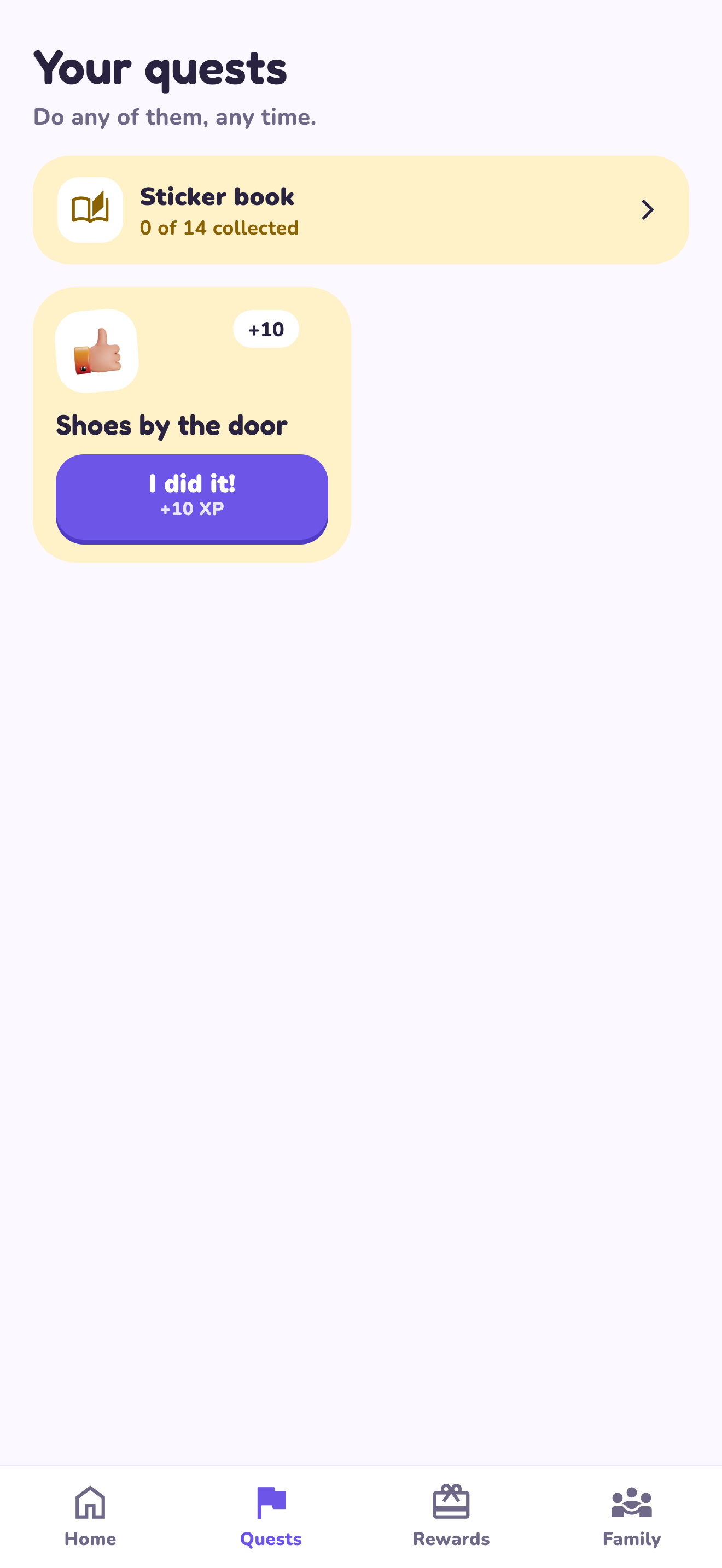
Use the game structure to clarify the task
Start with a responsibility the child already understands. A label like ‘help more’ leaves the finish line open; ‘put five books on the shelf’ gives you something to check together. Explain both the XP and the reward before the first attempt. The points are a family planning convention, not cash or a promise of a prize supplied by the app.
A worked family example
Create ‘Put five books on the shelf’ for 10 XP. Choose a family game reward costing 30 XP. After each completed task, a parent checks the shelf and approves. Three such approved completions reach the goal; other quests can change the timing.
Try a small version first
- Choose one small quest and show the finish line.
- Agree on the points and an available reward.
- Keep parent approval enabled while trying the first task.
- Review whether the task was clear after a few attempts.
How to decide
A plain checklist may be enough if you only need a reminder. Choose the quest approach when seeing progress toward a goal and reviewing completions are useful to your family. Avoid adding so many points and rules that the task becomes harder to explain than it was on paper.
Where the app can help
LvlUpKids turns responsibilities into quests, lets a child submit finished work, and lets a parent review it before approved XP goes toward a family-chosen reward. See how LvlUpKids turns chores into parent-approved quests, XP and chosen rewards.
The website template is separate from your account. Edit and print locally, then manually enter selected tasks in the app if you want the quest workflow. There is no automatic import, account save or AI connection on these pages.
Explore the chore app · Free to download, with in-app purchases. Check the store and purchase screen for current device requirements and terms.