Check the workflow before building a menu
A large reward catalog is less helpful if you cannot define how points are earned or when a reward is available. Check setup, supported devices, purchase options and how adults participate. Read the current store listing and purchase screen rather than treating a website example as a contract or subscription price.
A worked family example
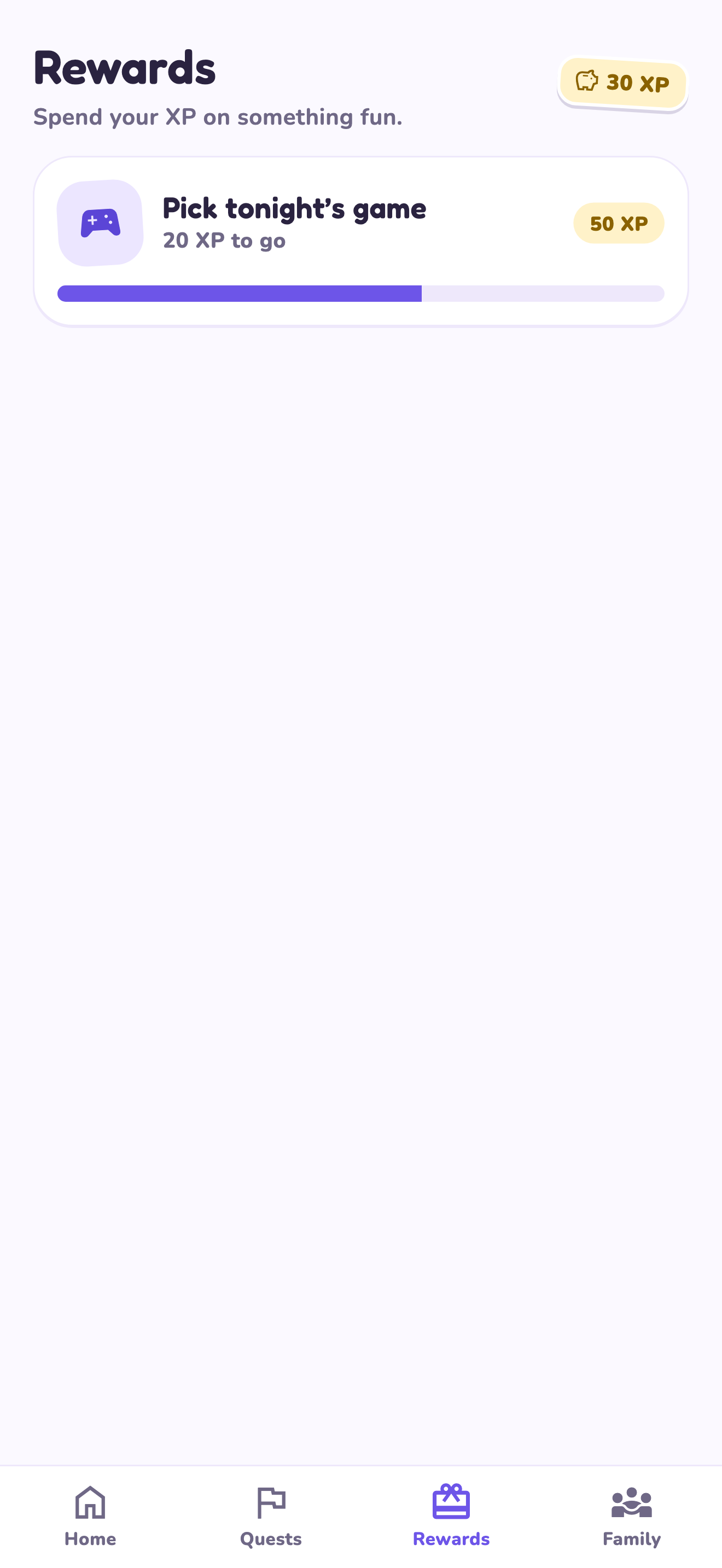
Test a single 10 XP book-shelf quest and a 30 XP game-choice reward. Confirm that the child sees the task, the adult understands how to review it and the reward means an activity you can provide. Then decide whether more tasks belong in the system.
Try a small version first
- Define one task and a finish line.
- Check the review and reward-request workflow.
- Confirm the current device and purchase requirements.
- Keep the first reward menu short.
How to decide
Choose a product that fits how you will use it, rather than one promising a universal parenting result. A reward app organizes an agreement; encouragement, demonstrations and practical help still come from adults.
Where the app can help
LvlUpKids turns responsibilities into quests, lets a child submit finished work, and lets a parent review it before approved XP goes toward a family-chosen reward. See how LvlUpKids turns chores into parent-approved quests, XP and chosen rewards.
The website template is separate from your account. Edit and print locally, then manually enter selected tasks in the app if you want the quest workflow. There is no automatic import, account save or AI connection on these pages.
Explore the chore app · Free to download, with in-app purchases. Check the store and purchase screen for current device requirements and terms.