Keep the scale explainable
Choose a small scale based on effort and the help needed, then test it against a realistic reward goal. Too many categories can make points harder to understand than the chore itself. Explain when work is reviewed and keep the values stable during the current agreement. A harder job may deserve more points, or it may need to be split into teachable steps first. Different children may need different tasks and support rather than identical prices for every responsibility.
A worked family example
Illustrative planning points: put shoes away = 1, clear lightweight table items = 2, help with a longer shared tidy = 3. These are examples, not LvlUpKids defaults or recommendations for every child.
A plan to adapt
| Part of the plan | A concrete choice |
|---|---|
| Small paper example | One manageable task = 1 point |
| Larger example | Two-part job = 2 points, with adult help as needed |
| Reward check | Does ordinary progress reach a nearby goal? |
| App bridge | XP values are family choices, not these paper defaults |
Try this in your household
- Start with a short consistent scale.
- Consider effort and teaching support.
- Check the path to one reward.
- Review future values together while honoring the current agreement.
Where the app can help
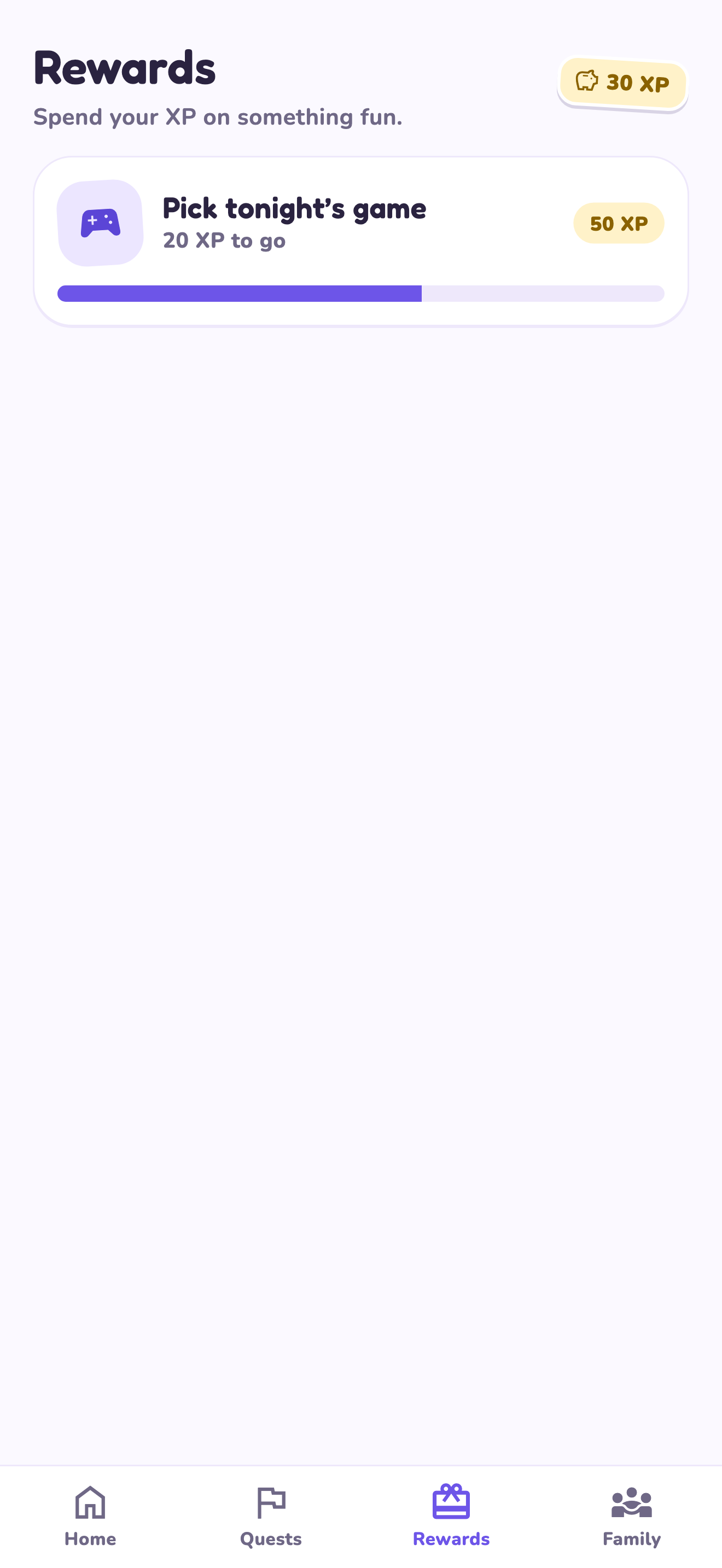
LvlUpKids turns responsibilities into quests, lets a child submit finished work, and lets a parent review it before approved XP goes toward a family-chosen reward. See how LvlUpKids turns chores into parent-approved quests, XP and chosen rewards.
The website template is separate from your account. Edit and print locally, then manually enter selected tasks in the app if you want the quest workflow. There is no automatic import, account save or AI connection on these pages.
Explore the chore app · Free to download, with in-app purchases. Check the store and purchase screen for current device requirements and terms.