Display the handoff and teach the job
Rotate jobs only when both children can do them with the support available. Choose an easy-to-remember interval and show the current owner in one place. Demonstrate a job before transferring it. If someone is absent, name a temporary backup rather than quietly changing several assignments. Some tasks should stay with an appropriate adult or a child who is ready for them; an equal rotation is not automatically a fair or safe one.
A worked family example
One child clears placemats this week and sorts shoes next week; another does the reverse. The family checks the handoff at its weekly meeting.
A plan to adapt
| Part of the plan | A concrete choice |
|---|---|
| Week 1 | Child A: placemats · Child B: shoes |
| Week 2 | Child A: shoes · Child B: placemats |
| Handoff | Review assignments at the weekly check-in |
| Exception | Adult covers a job if neither child can safely do it |
Try this in your household
- Choose two suitable jobs to rotate.
- Set a visible handoff day.
- Teach each job before it changes owners.
- Name a temporary backup for an absence.
Where the app can help
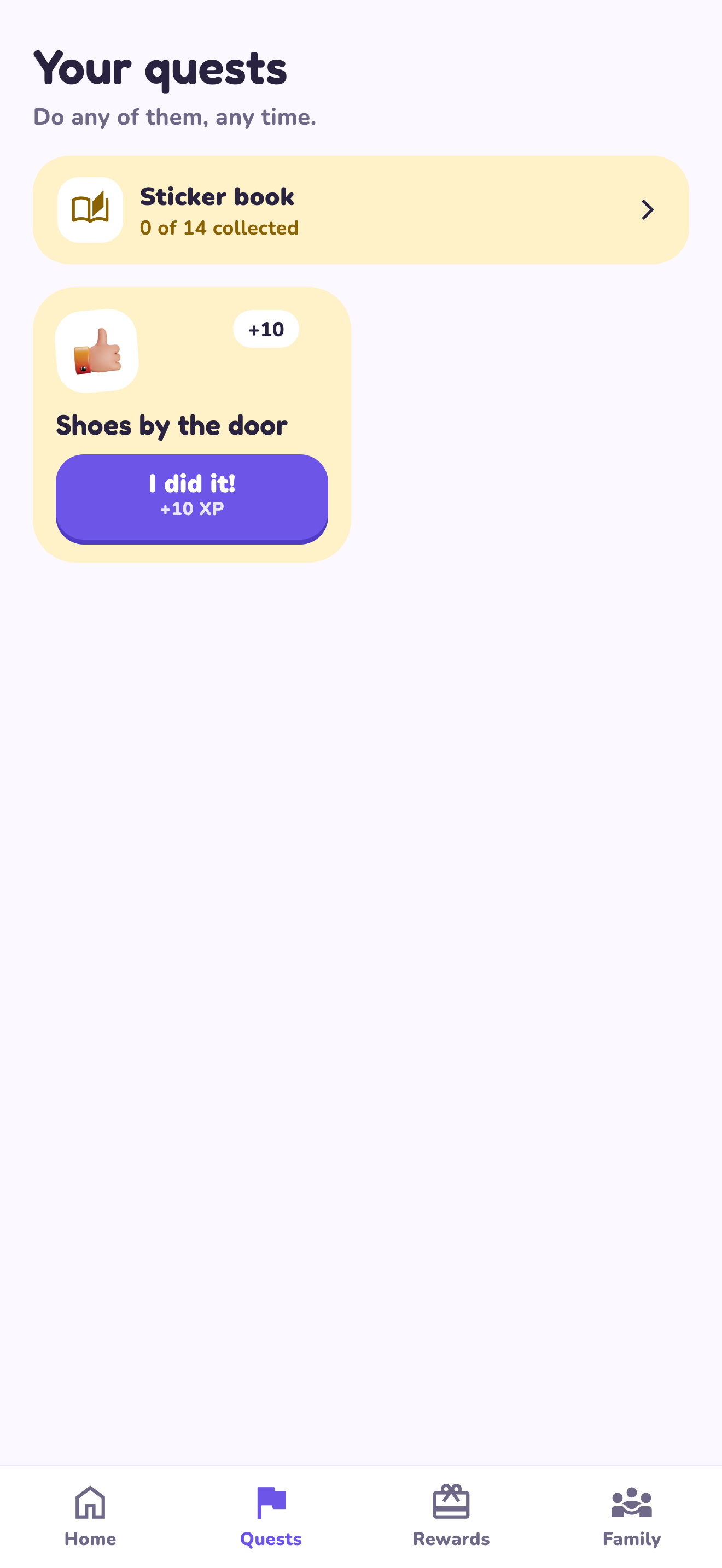
LvlUpKids turns responsibilities into quests, lets a child submit finished work, and lets a parent review it before approved XP goes toward a family-chosen reward. See how LvlUpKids turns chores into parent-approved quests, XP and chosen rewards.
The website template is separate from your account. Edit and print locally, then manually enter selected tasks in the app if you want the quest workflow. There is no automatic import, account save or AI connection on these pages.
Explore the chore app · Free to download, with in-app purchases. Check the store and purchase screen for current device requirements and terms.