Keep the stable core separate from exceptions
A long everyday checklist can hide the one item needed today. Write the core actions once and use a small weekly row for meaningful differences. Review tomorrow’s row with an adult who knows the changing requirements. If something is canceled, change that row instead of rewriting the entire routine. This can live on paper: a weekday matrix is a planning technique, not a claim that the app imports calendars or automatically prepares a schedule.
A worked family example
The daily core is bag, clothes and shoes. Tuesday adds a swim bag; Thursday adds the library book. The adult checks changes before the next day.
A plan to adapt
| Part of the plan | A concrete choice |
|---|---|
| Every day | Bag, clothes, shoes |
| Tuesday exception | Swim bag checked with an adult |
| Thursday exception | Library book in the school bag |
| Adult check | Confirm changes before the next morning |
Try this in your household
- List the steps that happen on every school day.
- Add only activity-specific items to weekday rows.
- Name who checks tomorrow’s row.
- Remove outdated exceptions when activities change.
Where the app can help
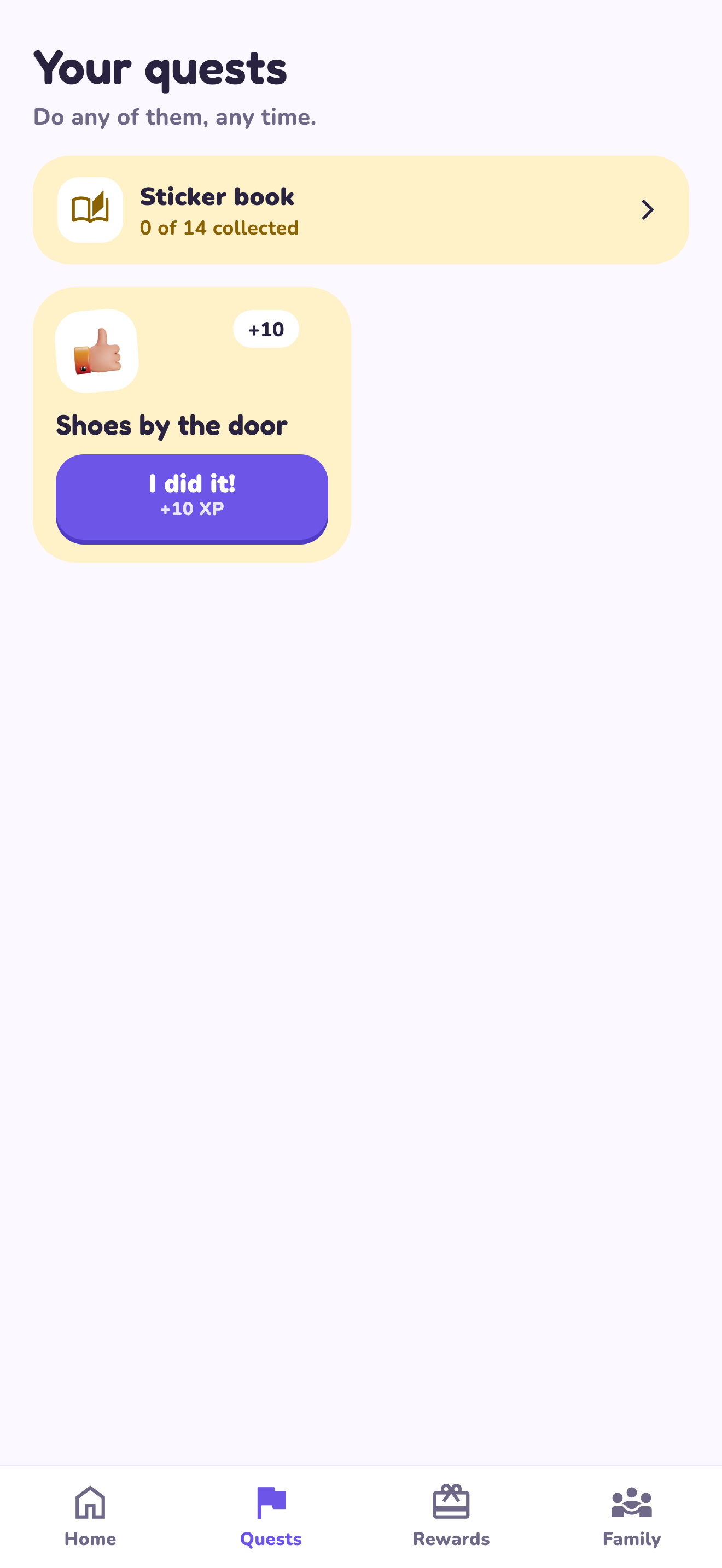
LvlUpKids turns responsibilities into quests, lets a child submit finished work, and lets a parent review it before approved XP goes toward a family-chosen reward. See how LvlUpKids turns chores into parent-approved quests, XP and chosen rewards.
The website template is separate from your account. Edit and print locally, then manually enter selected tasks in the app if you want the quest workflow. There is no automatic import, account save or AI connection on these pages.
Explore the chore app · Free to download, with in-app purchases. Check the store and purchase screen for current device requirements and terms.