Plan backward from the front door
Write the departure time at the top, then list the steps that must happen before it. Watch a few ordinary mornings before assigning exact minutes: dressing, breakfast and finding shoes may take different amounts of time each day. Move a recurring search, such as locating a library book, to the evening. Keep a small margin for transitions instead of filling every available minute. The aim is a sequence the family can use, not a race through an ideal schedule.
A worked family example
For an 8:00 departure: get dressed, eat, do the family's normal hygiene steps, collect the packed bag and put on shoes. Pack the bag the night before if that is the bottleneck.
A plan to adapt
| Part of the plan | A concrete choice |
|---|---|
| Keep before leaving | Dressing, breakfast, normal personal care, essential bag items |
| Prepare earlier | Clothes, school forms checked by an adult, activity kit |
| Move later | Nonurgent tidying or a longer room reset |
Try this in your household
- Write your actual leaving time.
- Mark food, personal care and essential items as keep.
- Move one optional job out of the morning.
- Try the order for three mornings, then adjust the bottleneck.
Where the app can help
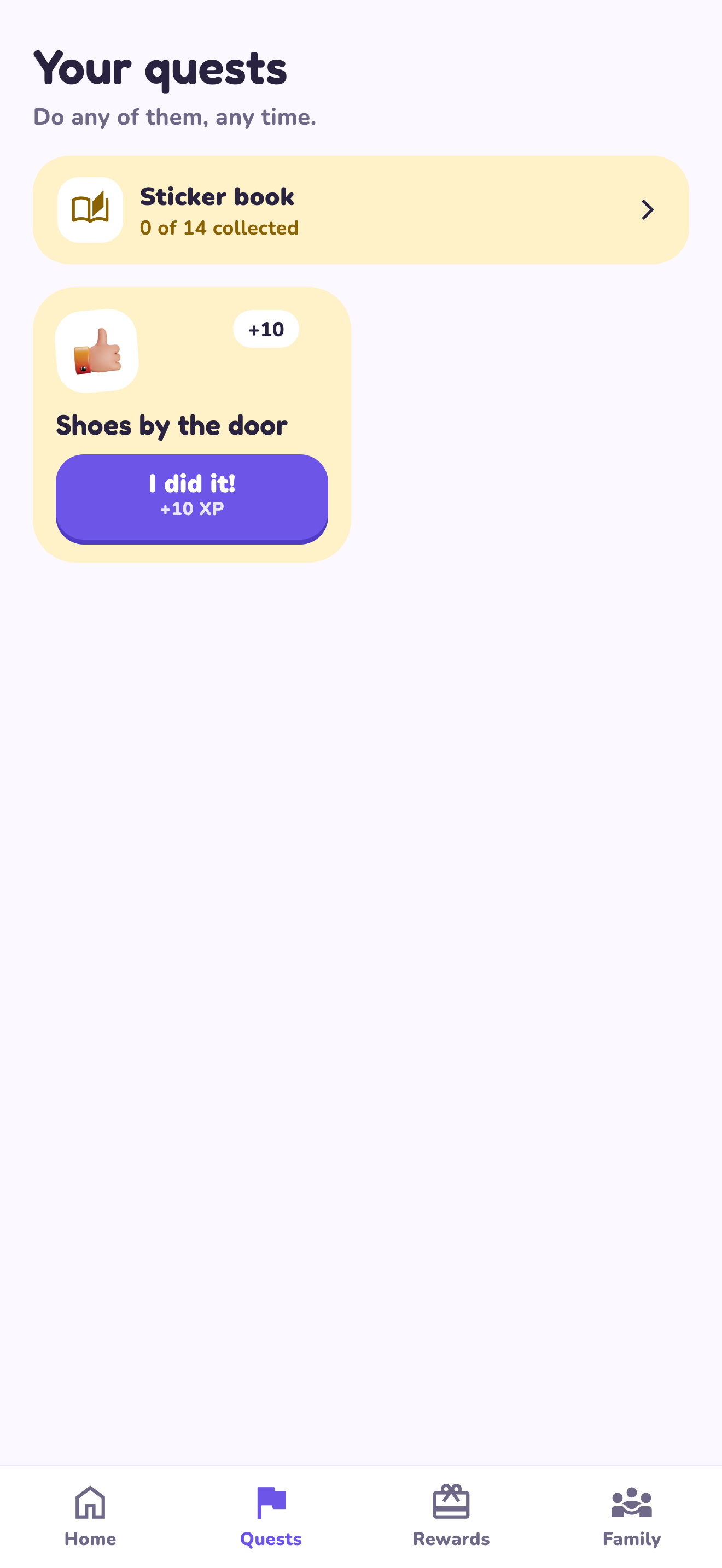
LvlUpKids turns responsibilities into quests, lets a child submit finished work, and lets a parent review it before approved XP goes toward a family-chosen reward. See how LvlUpKids turns chores into parent-approved quests, XP and chosen rewards.
The website template is separate from your account. Edit and print locally, then manually enter selected tasks in the app if you want the quest workflow. There is no automatic import, account save or AI connection on these pages.
Explore the chore app · Free to download, with in-app purchases. Check the store and purchase screen for current device requirements and terms.