Separate doing time from review time
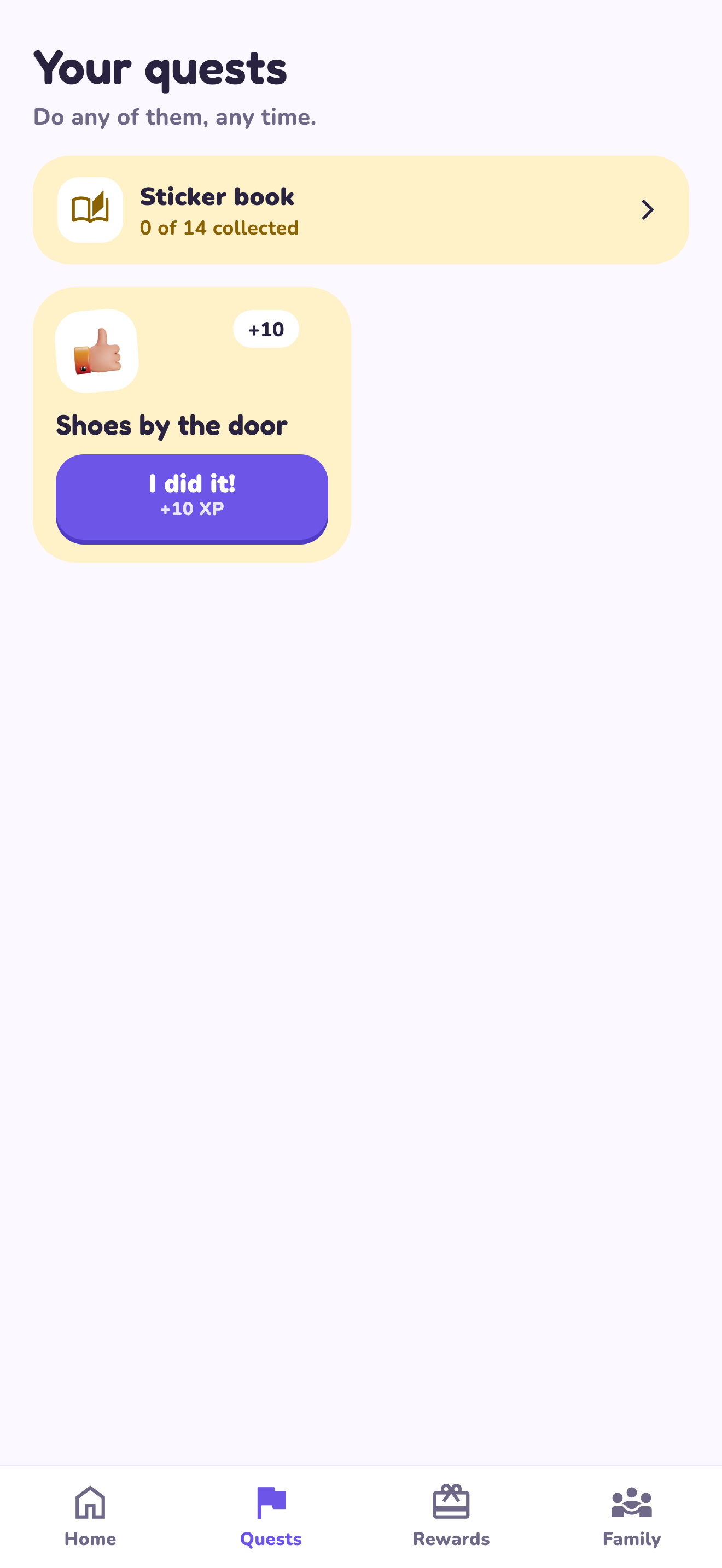
Use the visible paper list during the morning and decide later whether app review adds enough value. That avoids turning a digital plan into another device to find at breakfast. If you record progress later, keep the responsibility small enough to remember and review honestly. This website does not connect a printed tick to an app transaction. It cannot import the chart, credit XP or verify an offline completion automatically.
A worked family example
The child follows a fridge card before school. After returning home, the parent reviews the completed tasks and uses the app only where its verified workflow fits.
A plan to adapt
| Part of the plan | A concrete choice |
|---|---|
| Morning | Follow the printed sequence with adult help |
| Later check-in | Talk about what was completed |
| App use | Manually use the verified quest workflow if appropriate |
| Boundary | No chart synchronization or automatic credit |
Try this in your household
- Print the short morning card.
- Choose a visible place away from a device.
- Agree on a later adult review time.
- Keep app review only if the extra step helps.
Where the app can help
LvlUpKids turns responsibilities into quests, lets a child submit finished work, and lets a parent review it before approved XP goes toward a family-chosen reward. See how LvlUpKids turns chores into parent-approved quests, XP and chosen rewards.
The website template is separate from your account. Edit and print locally, then manually enter selected tasks in the app if you want the quest workflow. There is no automatic import, account save or AI connection on these pages.
Explore the chore app · Free to download, with in-app purchases. Check the store and purchase screen for current device requirements and terms.