
Agree on the activity and stopping point
Define what the privilege means, which activity it covers and when it can be used. A vague ‘more screen time’ reward can lead to different expectations. Consider whether a non-screen reward is easier to provide that day. Device-control features have separate setup and release requirements, so a printable XP plan is not proof that those controls are configured or reliable.
A worked family example
A reward might be choosing one agreed 20-minute family game session on Saturday. The parent handles the device and stop time. The points record the agreement; they do not override household limits or automatically change device settings.
Try a small version first
- Choose a specific activity rather than an unlimited privilege.
- Write when it can happen and how it ends.
- Keep essential uses outside the reward system.
- Review whether this reward fits your household.
How to decide
Use the reward builder to write the agreement. If automated device controls are your main reason for downloading, confirm the current app, device and setup details separately before relying on them.
Where the app can help
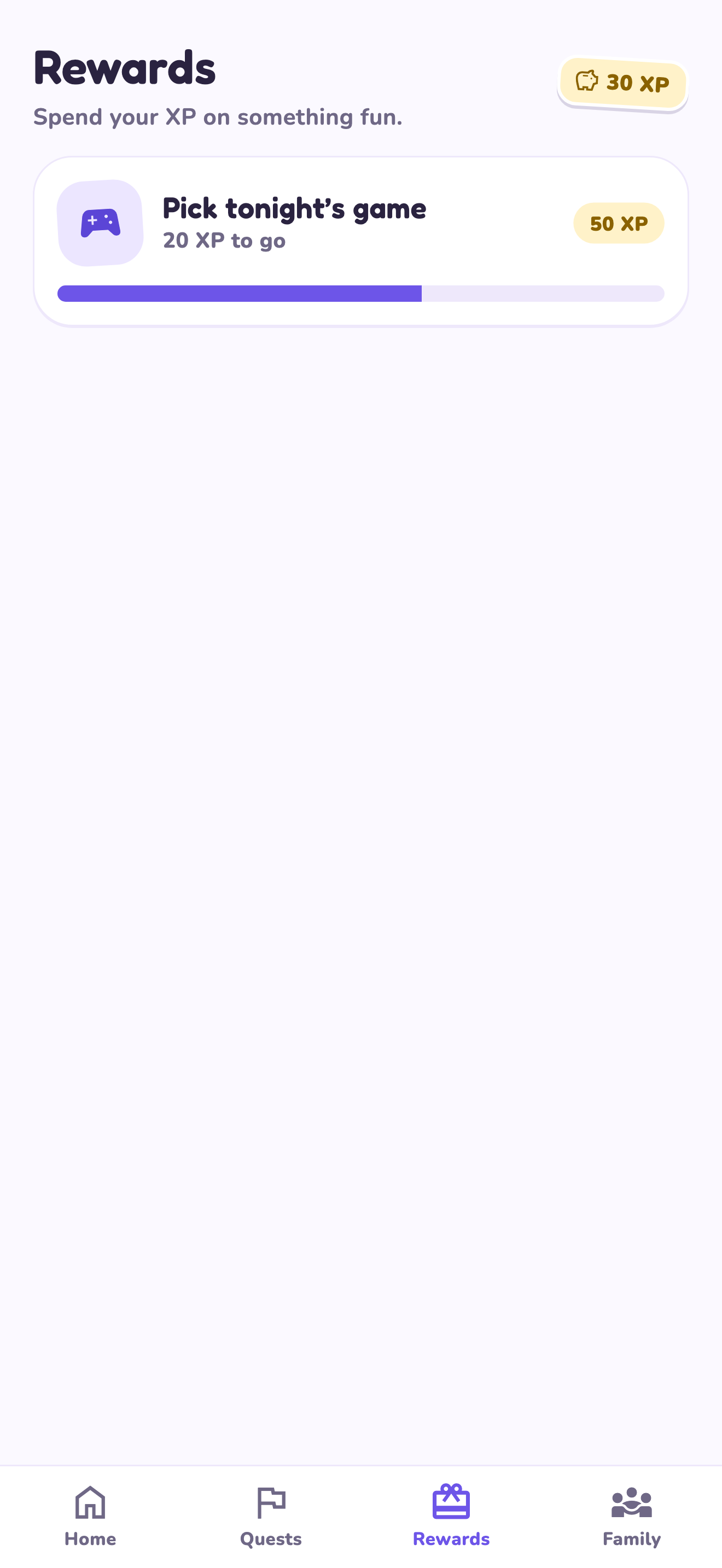
LvlUpKids turns responsibilities into quests, lets a child submit finished work, and lets a parent review it before approved XP goes toward a family-chosen reward. See how LvlUpKids turns chores into parent-approved quests, XP and chosen rewards.
The website template is separate from your account. Edit and print locally, then manually enter selected tasks in the app if you want the quest workflow. There is no automatic import, account save or AI connection on these pages.
Explore the chore app · Free to download, with in-app purchases. Check the store and purchase screen for current device requirements and terms.
A practical boundary
Screen-time examples here are manual household privileges. They do not promise automatic device blocking or unlocking.