
Choose the least complicated access arrangement
Think about where the routine happens and who holds the device. If reaching an app creates friction at breakfast, print the checklist there and let an adult manage the digital plan when appropriate. Confirm the current app settings and store compatibility for any device you intend to share; do not purchase a device just to try a responsibility chart.
A worked family example
Use the free morning checklist on the fridge and review the steps together. If your family later wants app quests, try the current app’s access process on an available compatible device before entering a large task list. Keep account credentials with the adult.
Try a small version first
- Try a paper checklist without buying hardware.
- Check current app login and compatibility details.
- Test access using an available family device.
- Choose a routine that does not depend on constant device access.
How to decide
The website tools need only a browser for editing and printing, with no login or child details. They are independent planning aids and do not sync to the app.
Where the app can help
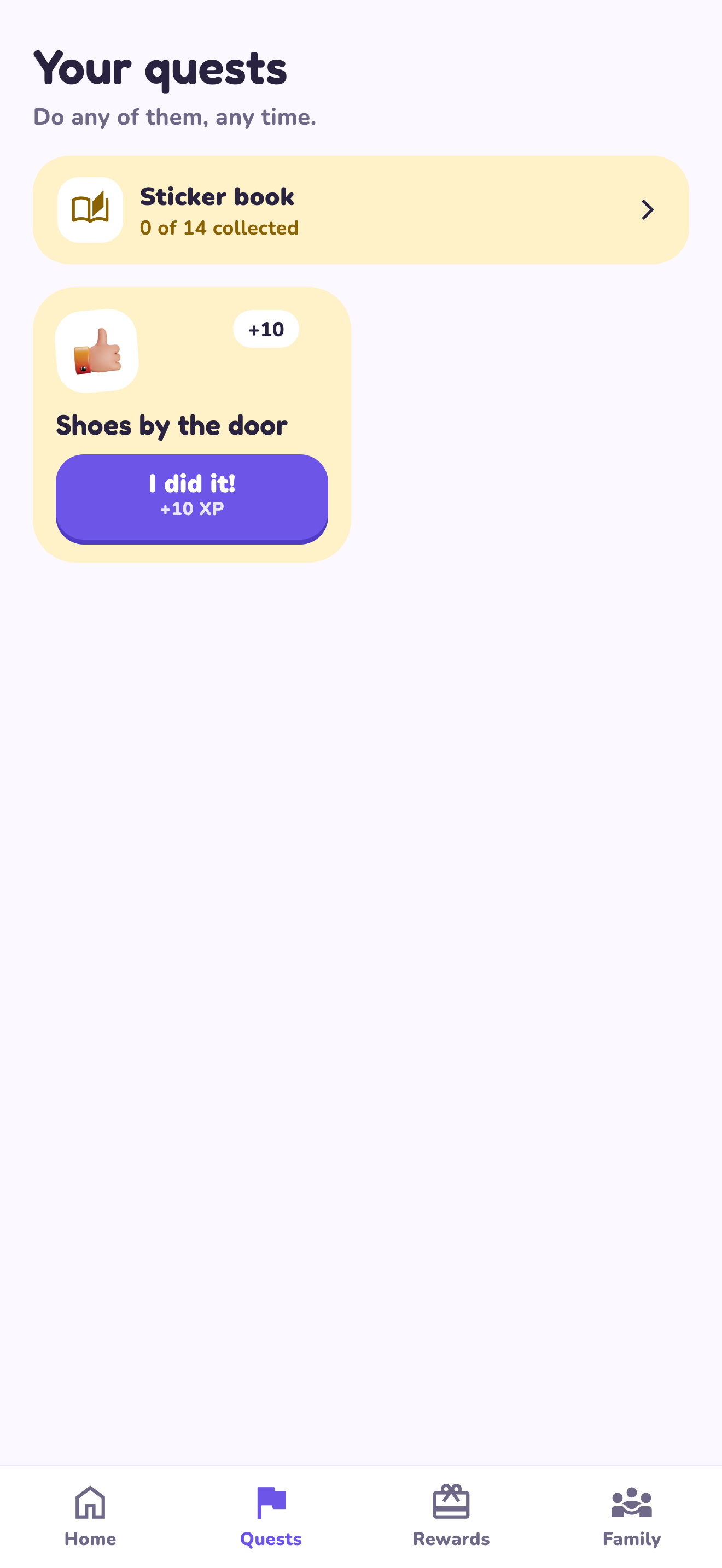
LvlUpKids turns responsibilities into quests, lets a child submit finished work, and lets a parent review it before approved XP goes toward a family-chosen reward. See how LvlUpKids turns chores into parent-approved quests, XP and chosen rewards.
The website template is separate from your account. Edit and print locally, then manually enter selected tasks in the app if you want the quest workflow. There is no automatic import, account save or AI connection on these pages.
Explore the chore app · Free to download, with in-app purchases. Check the store and purchase screen for current device requirements and terms.
A practical boundary
Check current device compatibility and the app access process before planning around a shared device. A printed checklist works without child account access.