
Share the visit instructions, not credentials
A caregiver needs a clear task, finish line and support plan for that visit, not the whole reward system or the parent’s password. Show the destination and explain any exception. Keep account review with the appropriate adult unless a supported role has been intentionally configured. A short printed handoff can avoid both vague expectations and excessive information sharing. Public examples should contain generic labels; family-specific contacts and details belong in the family’s own private arrangement.
A worked family example
After the activity, help the child put craft supplies in the labeled box. The parent checks app progress later; the caregiver does not need the parent's password.
A plan to adapt
| Part of the plan | A concrete choice |
|---|---|
| Visit task | Craft supplies into the labeled box |
| Support | Help find the correct place and tidy together |
| Review | Parent handles app progress later |
| Boundary | No parent password needed for a paper handoff |
Try this in your household
- List only tasks relevant to the visit.
- Show what done looks like and how to help.
- Explain exceptions and who handles rewards.
- Keep parent account access with the appropriate adult.
Where the app can help
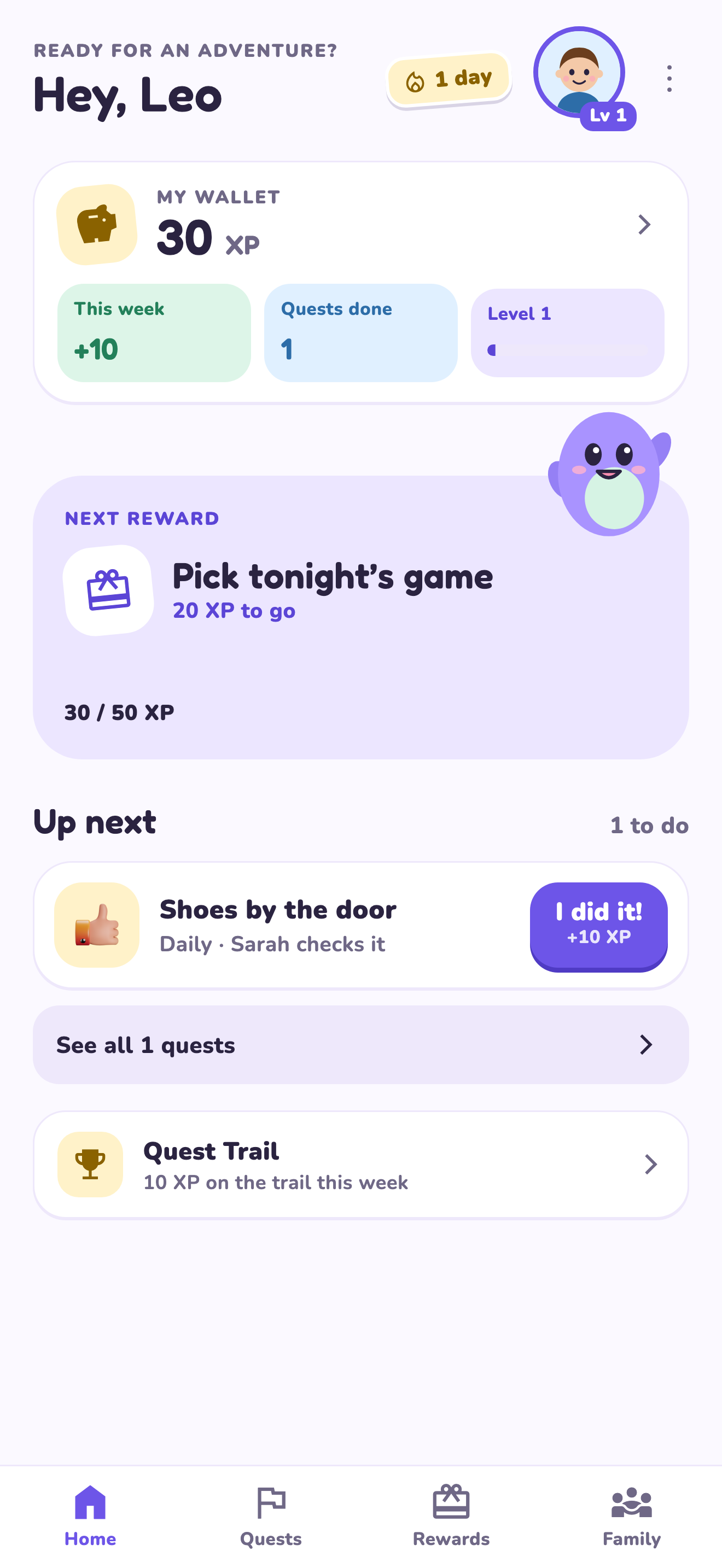
LvlUpKids turns responsibilities into quests, lets a child submit finished work, and lets a parent review it before approved XP goes toward a family-chosen reward. See how LvlUpKids turns chores into parent-approved quests, XP and chosen rewards.
The website template is separate from your account. Edit and print locally, then manually enter selected tasks in the app if you want the quest workflow. There is no automatic import, account save or AI connection on these pages.
Explore the chore app · Free to download, with in-app purchases. Check the store and purchase screen for current device requirements and terms.
A practical boundary
Share only the instructions needed for the visit. Keep account credentials and app review with the appropriate adult.