Write one finish line and one handoff
Adults can use the same wording for a responsibility while taking turns checking it. Agree on the standard, available reward and exceptions before presenting the plan. If you disagree, discuss it between adults rather than asking the child to navigate conflicting rules. A written handoff can work alongside the app’s verified co-parent participation, but shared access does not replace the agreement. Review changes when the schedule changes and keep existing reward commitments visible.
A worked family example
Both adults agree that bag ready means the required items are inside and the bag is in its spot. One adult checks on club nights; the other handles the usual evening review.
A plan to adapt
| Part of the plan | A concrete choice |
|---|---|
| Finish line | Required items in the bag, bag in its spot |
| Ordinary review | One adult checks at the usual evening time |
| Club night | Other adult covers the review |
| Change process | Adults agree before announcing a new expectation |
Try this in your household
- Agree on a concrete completion standard.
- Choose who reviews on ordinary and changed days.
- Confirm the reward promise and exceptions.
- Discuss rule changes between adults first.
Where the app can help
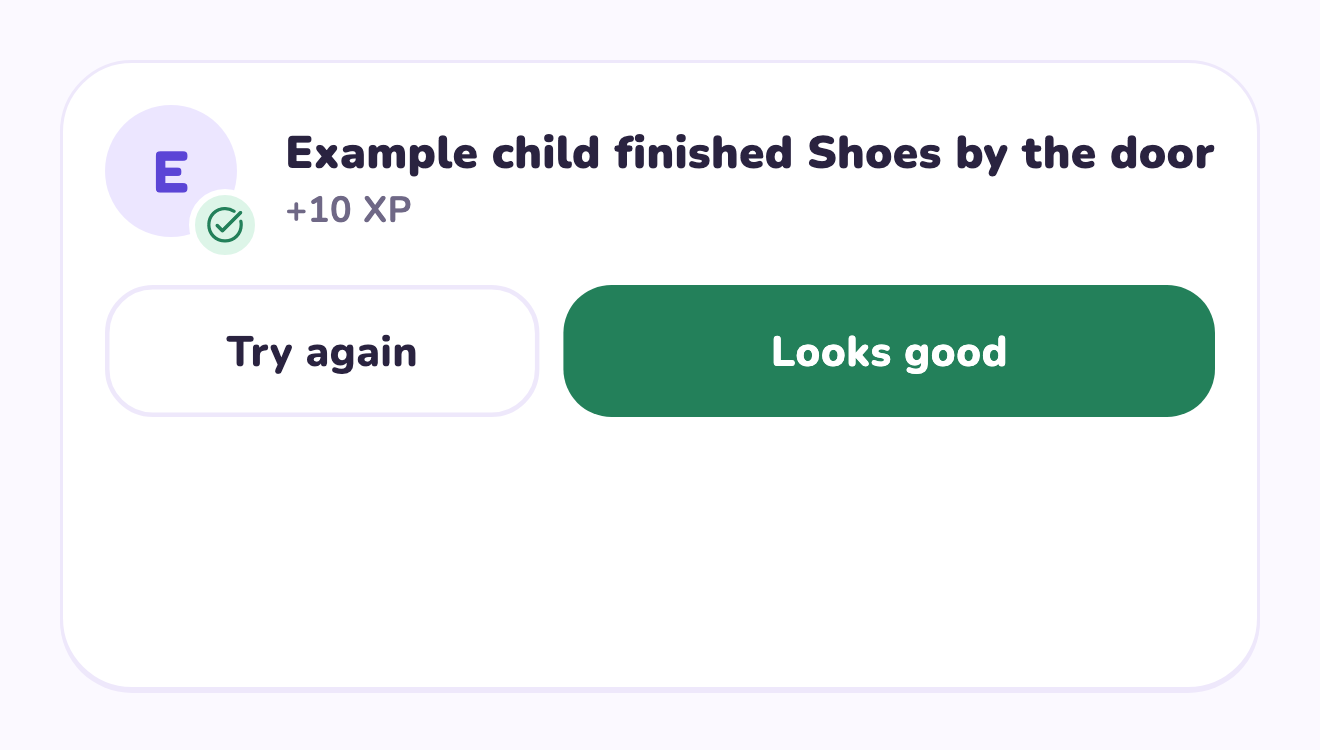
LvlUpKids turns responsibilities into quests, lets a child submit finished work, and lets a parent review it before approved XP goes toward a family-chosen reward. See how LvlUpKids turns chores into parent-approved quests, XP and chosen rewards.
The website template is separate from your account. Edit and print locally, then manually enter selected tasks in the app if you want the quest workflow. There is no automatic import, account save or AI connection on these pages.
Explore the chore app · Free to download, with in-app purchases. Check the store and purchase screen for current device requirements and terms.