Separate scheduling from task completion
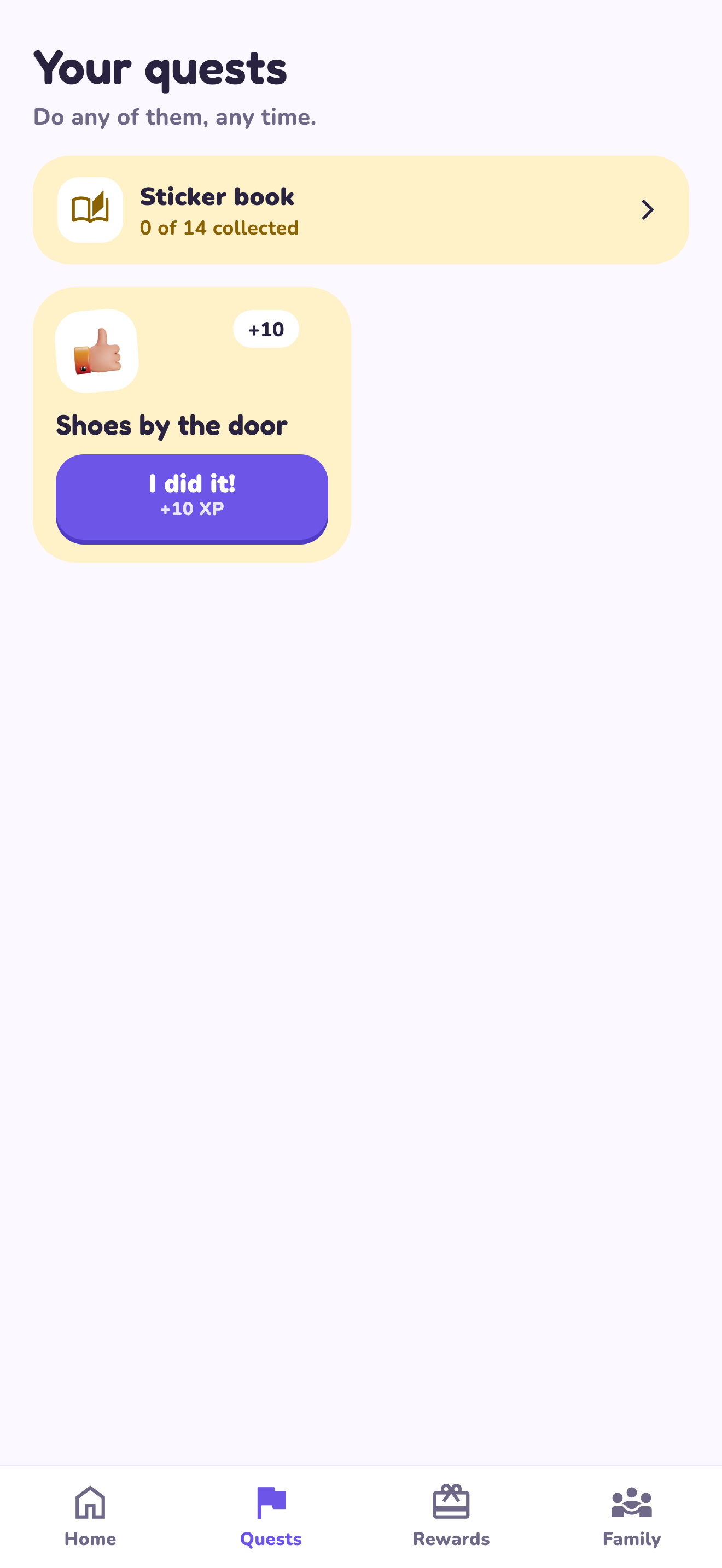
Knowing that an activity starts at 4 pm is different from knowing whether the school bag is ready. A calendar gives the time and place; a quest gives a responsibility and finish line. LvlUpKids’ core chore workflow is quests, XP, parent approvals and custom rewards. Do not assume it replaces a shared calendar or custody scheduling tool.
A worked family example
Keep swimming practice in the family calendar. Put ‘Pack swimming bag with an adult’ on a short task checklist. If you want reward progress for a recurring responsibility, enter it as a quest. If you just need an appointment reminder, leave it in the organizer.
Try a small version first
- List your scheduling problems separately from task problems.
- Choose the existing tool that handles each well.
- Avoid entering the same information in several places.
- Agree on where children and adults check their next step.
How to decide
You may use both tools with different jobs. Keep the arrangement understandable: one place for dates, one place for responsibilities, and a clear adult handoff.
Where the app can help
LvlUpKids turns responsibilities into quests, lets a child submit finished work, and lets a parent review it before approved XP goes toward a family-chosen reward. See how LvlUpKids turns chores into parent-approved quests, XP and chosen rewards.
The website template is separate from your account. Edit and print locally, then manually enter selected tasks in the app if you want the quest workflow. There is no automatic import, account save or AI connection on these pages.
Explore the chore app · Free to download, with in-app purchases. Check the store and purchase screen for current device requirements and terms.