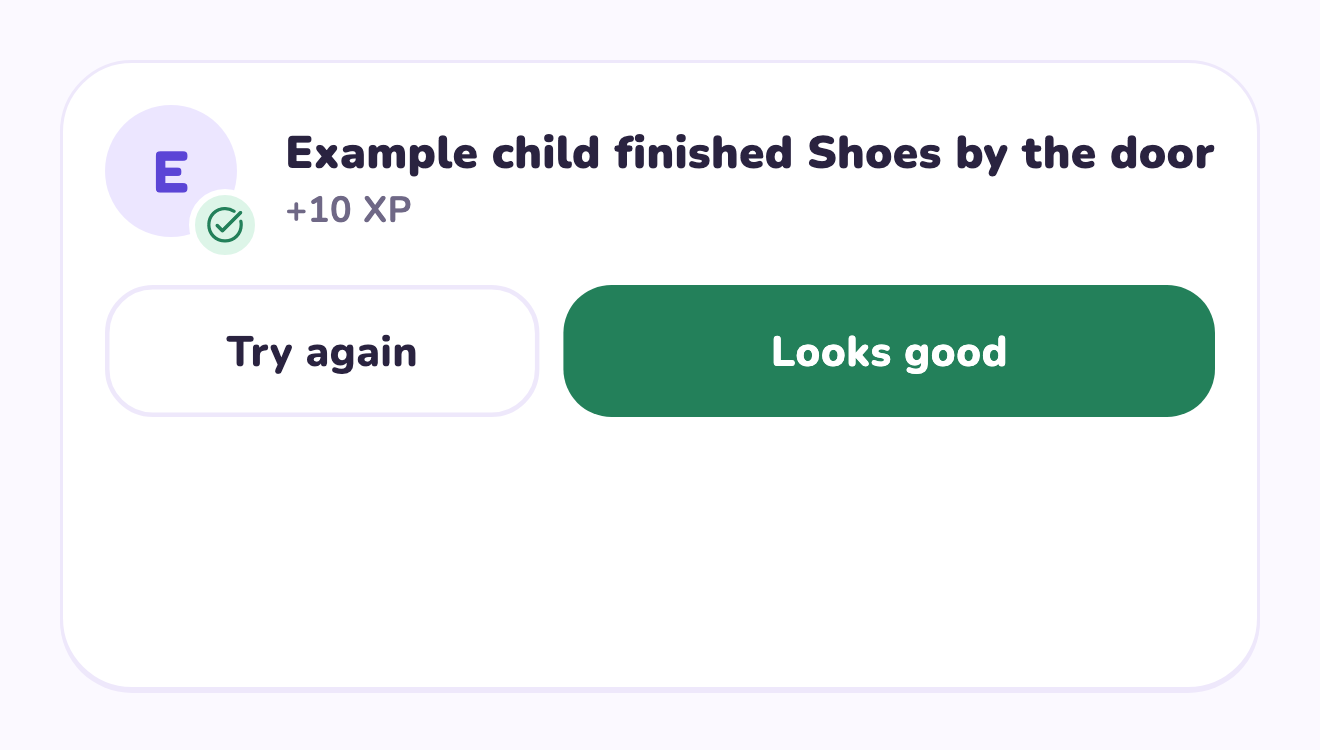
Choose a review window that adults can keep
Ordinary tasks can wait for a predictable check-in, but safety and essential care cannot. Separate those categories before deciding when to review. Tell the child when an ordinary submission will receive attention, so a wait is understandable. If the review takes too much time, reduce the number of tasks or clarify finish lines instead of promising instant approval. This page’s schedule is a family agreement, not a claim of automatic app reminders or bulk review actions.
A worked family example
Toy tidying is checked after dinner; a pet-care task has an adult backup at the necessary time. The child knows when ordinary completed chores will be reviewed.
A plan to adapt
| Part of the plan | A concrete choice |
|---|---|
| Ordinary review | Toy tidying checked after dinner |
| Immediate check | Time-sensitive pet care verified by the adult |
| Backup | Named adult handles essentials |
| Expected wait | The agreed check-in, not an instant response promise |
Try this in your household
- Separate ordinary tasks from immediate care checks.
- Choose one reliable adult review window.
- Explain the expected wait to the child.
- Reduce the list if adults cannot maintain the review.
Where the app can help
LvlUpKids turns responsibilities into quests, lets a child submit finished work, and lets a parent review it before approved XP goes toward a family-chosen reward. See how LvlUpKids turns chores into parent-approved quests, XP and chosen rewards.
The website template is separate from your account. Edit and print locally, then manually enter selected tasks in the app if you want the quest workflow. There is no automatic import, account save or AI connection on these pages.
Explore the chore app · Free to download, with in-app purchases. Check the store and purchase screen for current device requirements and terms.