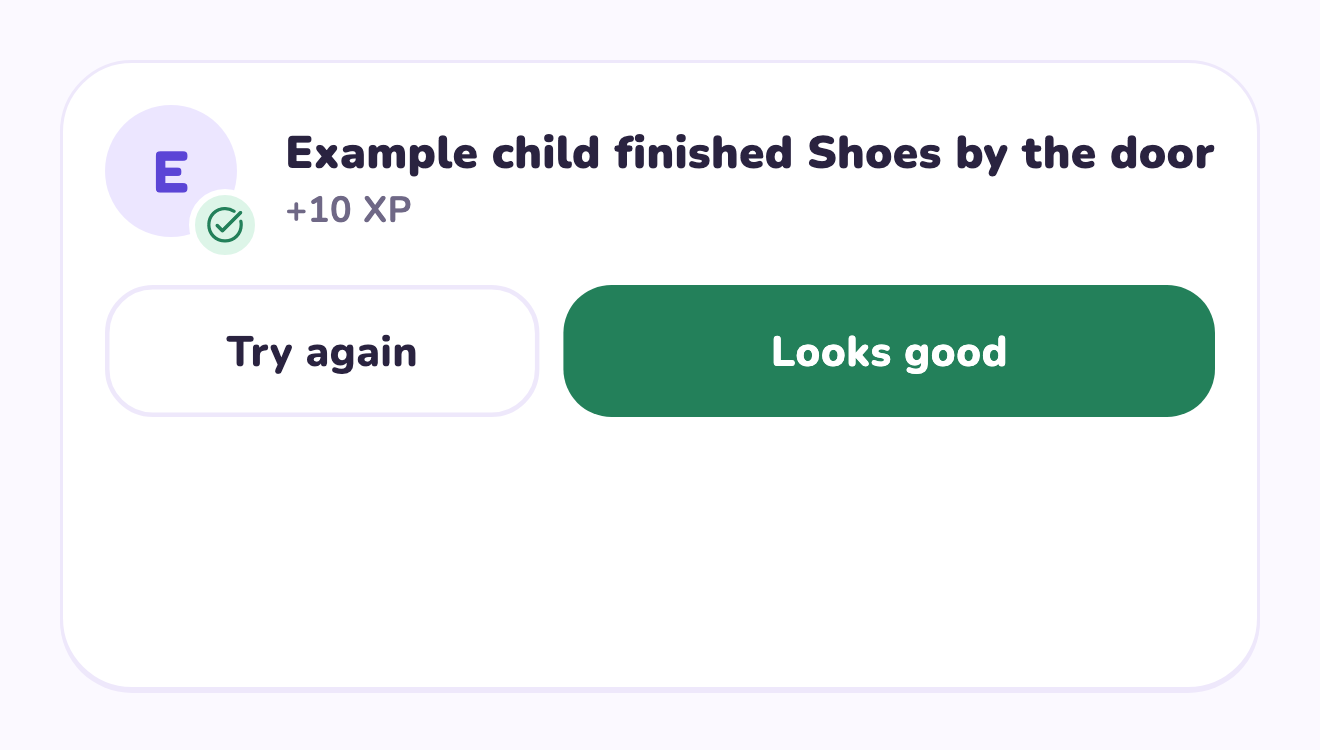
Make the review specific and timely
Approval works best when the child knows what the adult will check. Choose a review time that fits the day, and explain any unfinished part in concrete words. If two adults participate, agree on the same standard and avoid reviewing a completed task twice. The review is about the responsibility, not whether the child has been good in general.
A worked family example
For ‘Reset the table,’ define done as cups moved to the agreed spot, crumbs wiped with help and placemats stacked. If the cups are still there, point to that missing step. Approve when the agreed steps are complete rather than changing the standard after submission.
Try a small version first
- Write a short definition of done.
- Show the task once with the child.
- Agree on when an adult will check submissions.
- Approve finished work or explain the exact next step.
How to decide
Keep approvals if the work needs a check or your family wants a conversation about completion. Consider the time adults need to review; a growing queue is a sign to reduce the number of quests or move the review to a reliable moment.
Where the app can help
LvlUpKids turns responsibilities into quests, lets a child submit finished work, and lets a parent review it before approved XP goes toward a family-chosen reward. See how LvlUpKids turns chores into parent-approved quests, XP and chosen rewards.
The website template is separate from your account. Edit and print locally, then manually enter selected tasks in the app if you want the quest workflow. There is no automatic import, account save or AI connection on these pages.
Explore the chore app · Free to download, with in-app purchases. Check the store and purchase screen for current device requirements and terms.