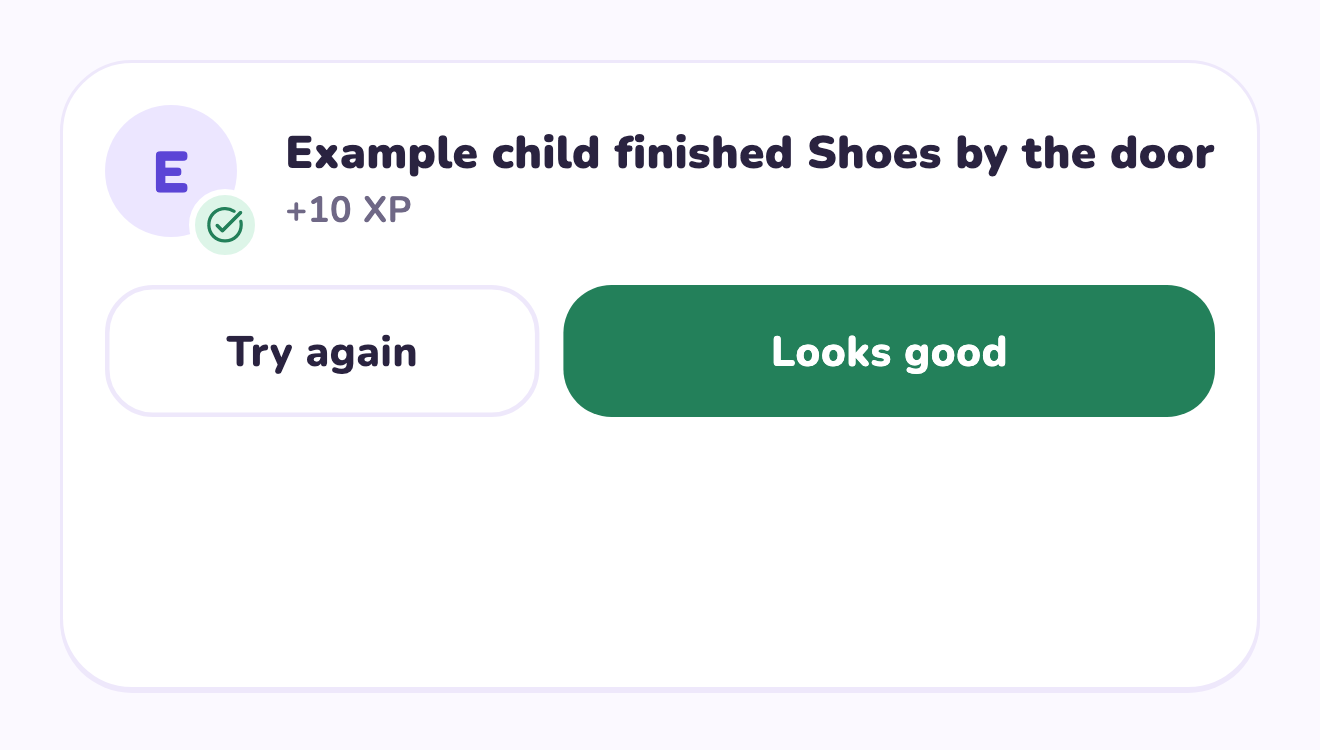
Describe the missing part, not the child
Review whether the original instruction actually explained the finish line. If it did not, demonstrate the task and make the next agreement more specific. If a known step is missing, name it directly: ‘the shirts still need their spot’ is more actionable than ‘this is bad.’ Keep a short checklist of visible results and offer help with any part that has not been learned. Avoid introducing a new standard after the child says the job is complete.
A worked family example
Put laundry away means socks in the sock drawer, shirts in their spot and the basket returned. If shirts remain, name that step rather than saying the whole job was bad.
A plan to adapt
| Part of the plan | A concrete choice |
|---|---|
| Laundry sign 1 | Socks in the sock drawer |
| Laundry sign 2 | Shirts in their agreed spot |
| Laundry sign 3 | Basket returned |
| Adult response | Explain the remaining step and offer teaching |
Try this in your household
- Agree on two or three visible completion signs.
- Show the result before the next attempt.
- Name the specific unfinished step.
- Check again when that step is ready.
Where the app can help
LvlUpKids turns responsibilities into quests, lets a child submit finished work, and lets a parent review it before approved XP goes toward a family-chosen reward. See how LvlUpKids turns chores into parent-approved quests, XP and chosen rewards.
The website template is separate from your account. Edit and print locally, then manually enter selected tasks in the app if you want the quest workflow. There is no automatic import, account save or AI connection on these pages.
Explore the chore app · Free to download, with in-app purchases. Check the store and purchase screen for current device requirements and terms.