Check the cue before repeating it
A broad instruction like ‘get ready’ asks a child to remember several actions and choose the next one. Put a shorter list where the actions begin and use one consistent cue to direct attention to it. Then ask which step needs help. A repeated difficulty may come from unclear wording, misplaced materials or a skill still being learned. Adjust the barrier you can observe; a checklist does not diagnose the reason a child is stuck or guarantee independence.
A worked family example
Instead of repeating get ready, point to a three-step card: clothes on, breakfast, shoes. Ask which step needs help and review progress at the agreed point.
A plan to adapt
| Part of the plan | A concrete choice |
|---|---|
| Cue location | Near clothes, bag or the place the routine begins |
| Start signal | One agreed prompt: check the next step |
| Finish line | Observable result, such as shoes on |
| Help route | Ask which part needs an adult |
Try this in your household
- Replace one broad instruction with a visible action.
- Put the cue at the place where the task starts.
- Use one calm prompt to check the list.
- Show or simplify a step that repeatedly stops progress.
Where the app can help
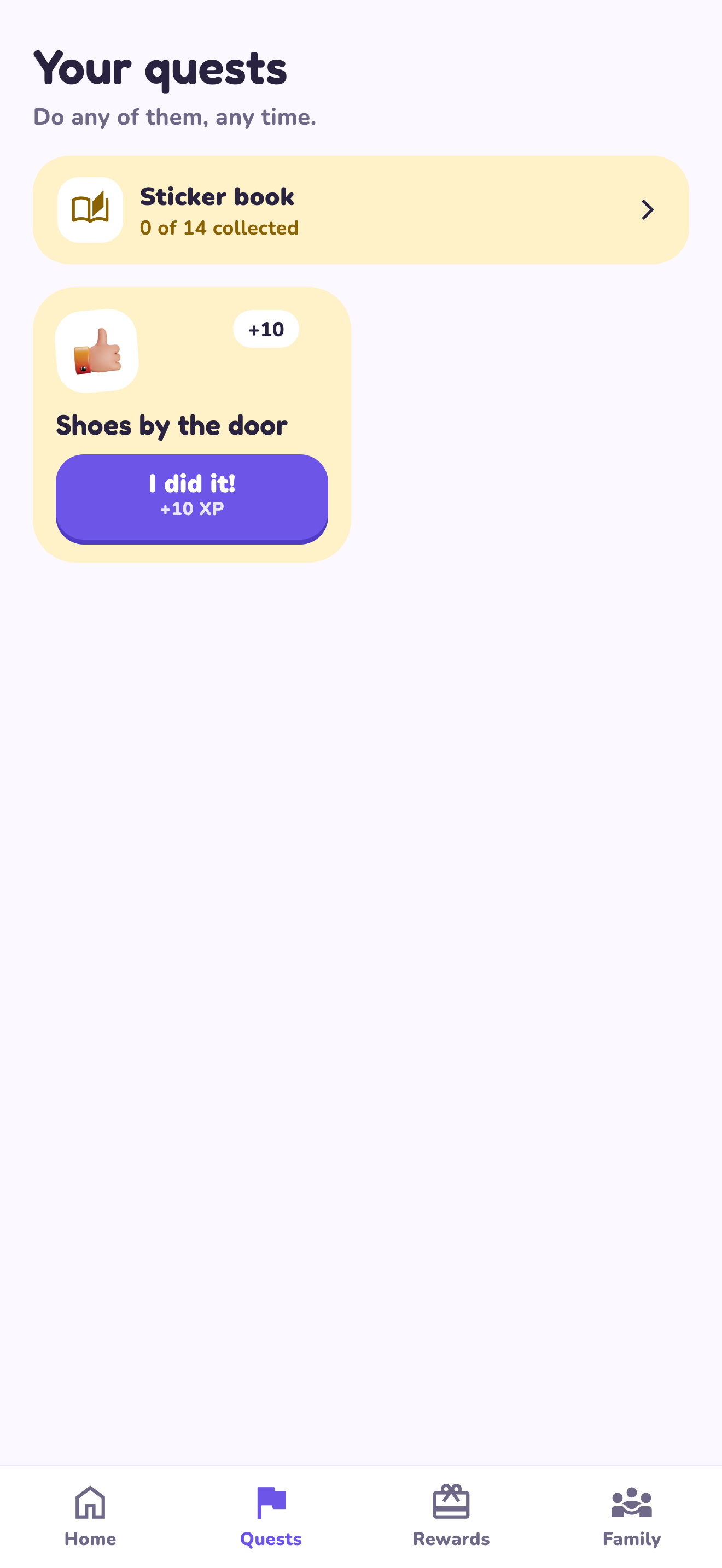
LvlUpKids turns responsibilities into quests, lets a child submit finished work, and lets a parent review it before approved XP goes toward a family-chosen reward. See how LvlUpKids turns chores into parent-approved quests, XP and chosen rewards.
The website template is separate from your account. Edit and print locally, then manually enter selected tasks in the app if you want the quest workflow. There is no automatic import, account save or AI connection on these pages.
Explore the chore app · Free to download, with in-app purchases. Check the store and purchase screen for current device requirements and terms.