Practice the bottleneck once
After a holiday, the old routine may no longer fit the school day or the child’s needs. Check what has changed before restoring the full chore list. Locate the bag, review departure arrangements and rehearse any unfamiliar preparation while there is time to help. Keep the first few mornings focused on essentials. Add optional household jobs back only after the basic sequence is workable, rather than expecting the previous system to resume perfectly on the first day.
A worked family example
The evening before school, check the bag, clothes and departure plan together. For the first few days, focus on those essentials rather than a full room-cleaning checklist.
A plan to adapt
| Part of the plan | A concrete choice |
|---|---|
| Still useful | Familiar landing place for shoes and bag |
| Changed | New departure time or activity equipment |
| Practice once | Checking the new school list with a parent |
| Add later | Longer room chores that can wait |
Try this in your household
- Check the school and activity requirements that changed.
- Prepare bag and clothes together.
- Practice one unfamiliar step.
- Choose a check-in after the first few school days.
Where the app can help
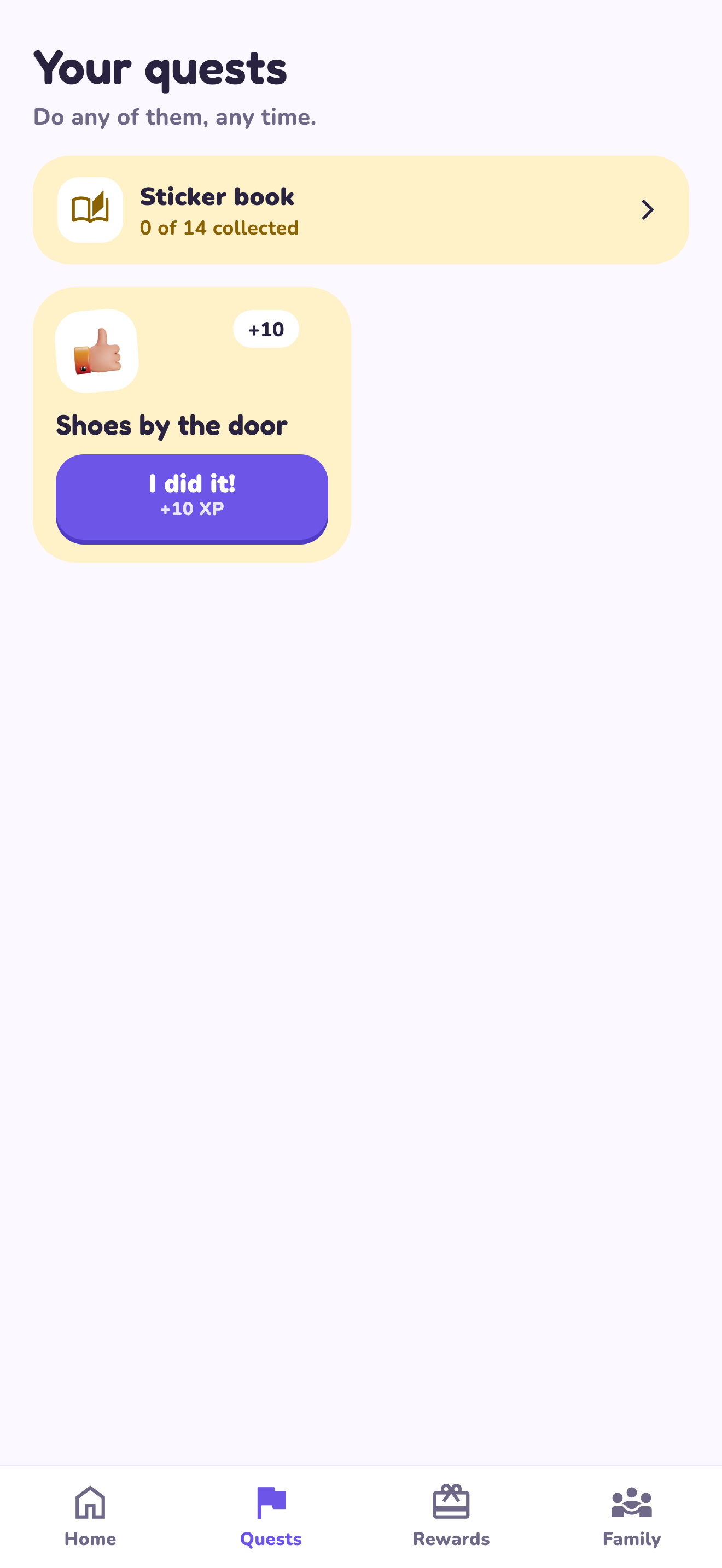
LvlUpKids turns responsibilities into quests, lets a child submit finished work, and lets a parent review it before approved XP goes toward a family-chosen reward. See how LvlUpKids turns chores into parent-approved quests, XP and chosen rewards.
The website template is separate from your account. Edit and print locally, then manually enter selected tasks in the app if you want the quest workflow. There is no automatic import, account save or AI connection on these pages.
Explore the chore app · Free to download, with in-app purchases. Check the store and purchase screen for current device requirements and terms.