Solve the unfinished job first
Check whether the task still needs doing and whether there is a real deadline. A missed room tidy may wait; essential care needs an adult backup. Decide whether to offer help, choose a new time, reduce the task or drop an unnecessary job. Keep past approved progress separate from today’s unfinished responsibility. A points discussion should not replace handling the practical need, and the next attempt can begin with a clearer, smaller instruction.
A worked family example
The room-tidy task was missed on a busy evening. The family moves the small necessary step to tomorrow and leaves the rest of the weekly plan intact.
A plan to adapt
| Part of the plan | A concrete choice |
|---|---|
| Still needed? | If not, remove the outdated job |
| Time-sensitive? | Adult handles the essential need |
| Needs teaching? | Do the first step together |
| Can wait? | Agree on a realistic later attempt |
Try this in your household
- Check whether the job is still necessary.
- Handle time-sensitive needs with an adult backup.
- Choose help, a realistic new time or a smaller step.
- Restart without discarding the whole weekly plan.
Where the app can help
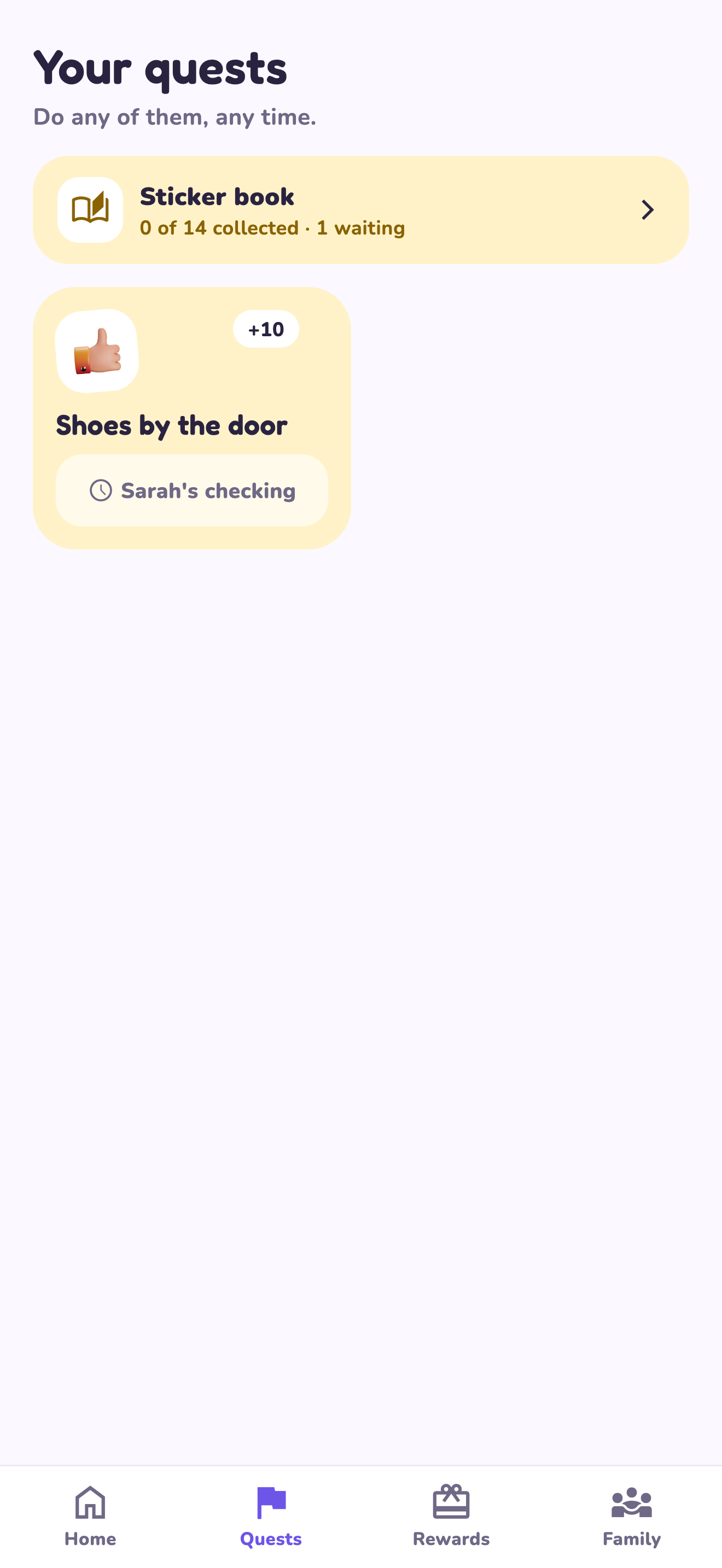
LvlUpKids turns responsibilities into quests, lets a child submit finished work, and lets a parent review it before approved XP goes toward a family-chosen reward. See how LvlUpKids turns chores into parent-approved quests, XP and chosen rewards.
The website template is separate from your account. Edit and print locally, then manually enter selected tasks in the app if you want the quest workflow. There is no automatic import, account save or AI connection on these pages.
Explore the chore app · Free to download, with in-app purchases. Check the store and purchase screen for current device requirements and terms.