Use timing as a practical distinction
For household planning, focus on whether the agreement was made before the task or changed during an argument. This is a practical distinction rather than a universal scientific definition. A planned reward can make expectations clearer if the finish line and available choice are known. During the task, offer help or simplify an unfamiliar step instead of continually increasing the prize. Discuss changes afterward when both adult and child can talk about the plan.
A worked family example
Before the week starts: after the agreed tasks are checked, choose Friday's family game. During a conflict: adding a new prize just to end the argument changes the original deal.
A plan to adapt
| Part of the plan | A concrete choice |
|---|---|
| Before the week | After the agreed checked tasks, choose Friday’s family game |
| During the task | Help with a confusing step |
| During conflict | Avoid repeatedly increasing the offered prize |
| Later review | Discuss whether the original plan was workable |
Try this in your household
- Agree on the task and choice in advance.
- Support the work without adding a new prize mid-conflict.
- Note suggestions for a later review.
- Keep the current promise when planning future changes.
Where the app can help
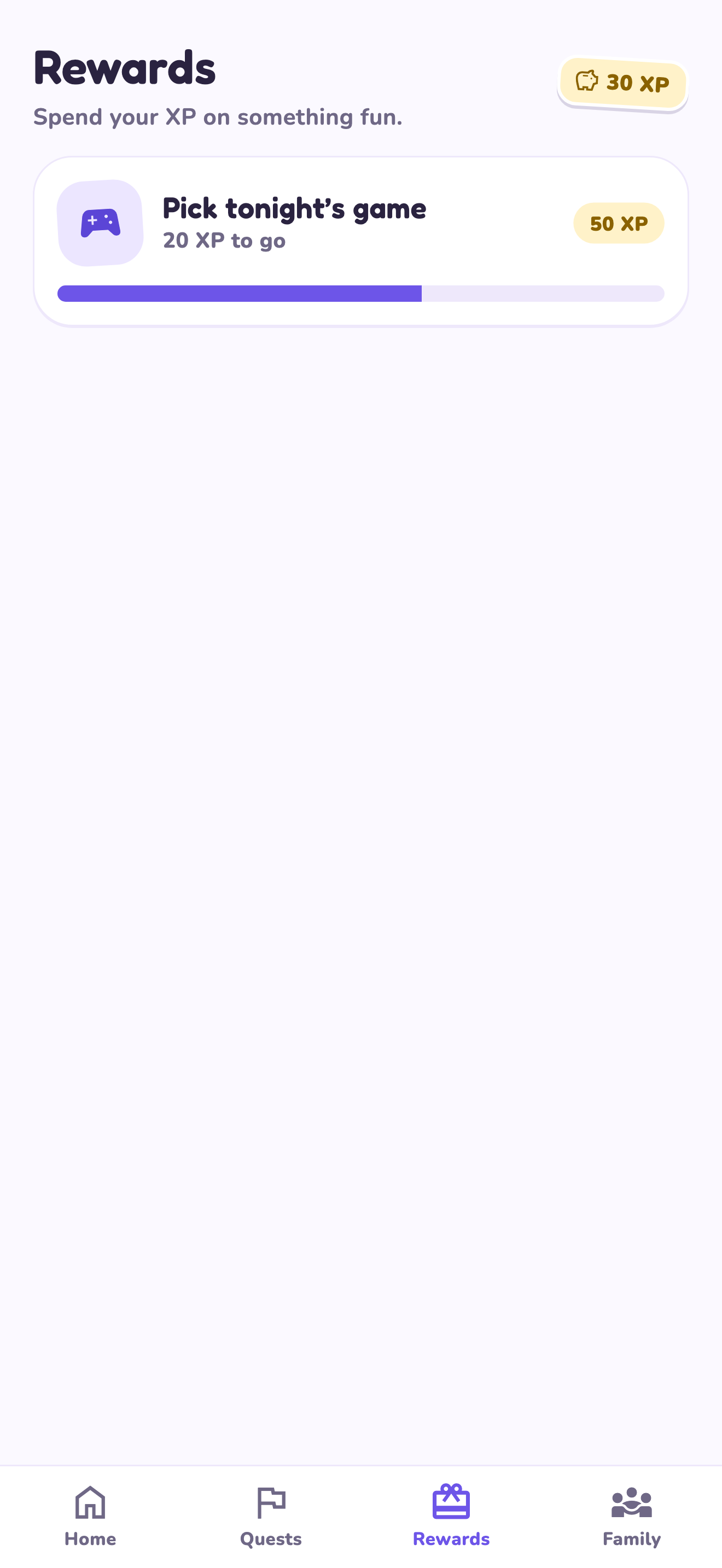
LvlUpKids turns responsibilities into quests, lets a child submit finished work, and lets a parent review it before approved XP goes toward a family-chosen reward. See how LvlUpKids turns chores into parent-approved quests, XP and chosen rewards.
The website template is separate from your account. Edit and print locally, then manually enter selected tasks in the app if you want the quest workflow. There is no automatic import, account save or AI connection on these pages.
Explore the chore app · Free to download, with in-app purchases. Check the store and purchase screen for current device requirements and terms.