Measure setup effort against daily usefulness
Check whether an adult can reliably review tasks and whether the child can access the workflow at the right time. LvlUpKids is free to download, with in-app purchases. Check the store and purchase screen for current prices, billing terms and any feature conditions. Do not judge value from an outdated advertised price.
A worked family example
For a week, record only the practical friction: tasks forgotten because the list was hidden, adults giving different answers about done, or reward agreements difficult to track. If a visible quest and review queue address those issues, try one app quest. If not, keep the chart.
Try a small version first
- Name the coordination issue you want to solve.
- Try one responsibility, not a full household migration.
- Check whether adults and children actually use the workflow.
- Decide after a week whether it earns its setup effort.
How to decide
Success is a workable routine, not a guaranteed behavior change. Keep the system small enough to maintain. A tool that is never opened is less useful than a chart your family can see every day.
Where the app can help
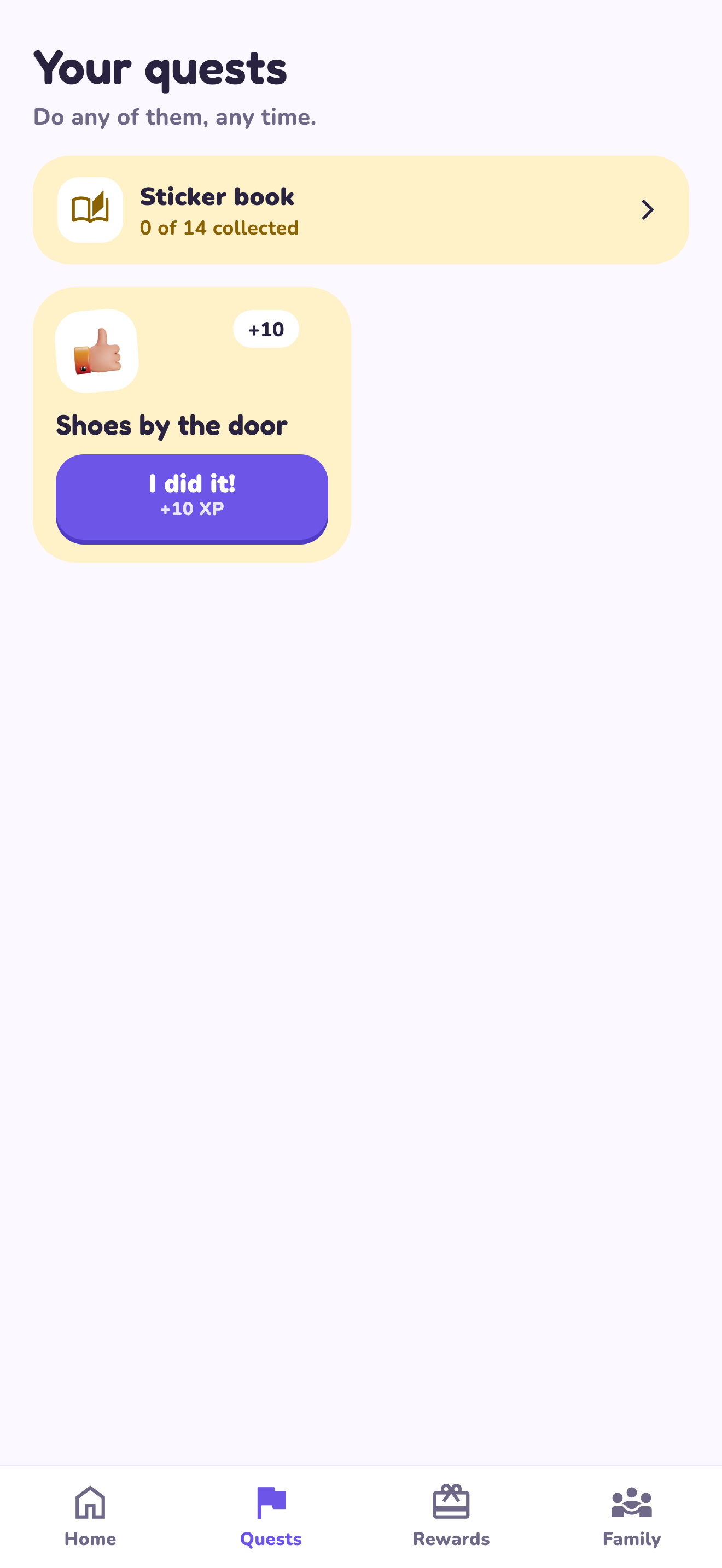
LvlUpKids turns responsibilities into quests, lets a child submit finished work, and lets a parent review it before approved XP goes toward a family-chosen reward. See how LvlUpKids turns chores into parent-approved quests, XP and chosen rewards.
The website template is separate from your account. Edit and print locally, then manually enter selected tasks in the app if you want the quest workflow. There is no automatic import, account save or AI connection on these pages.
Explore the chore app · Free to download, with in-app purchases. Check the store and purchase screen for current device requirements and terms.