Treat the first week as teaching time
Choose a job with a clear result and materials that are easy to reach. First show the action, then do it together, then let the child handle a small part while you remain available. The first attempts reveal which instructions and tools need adjusting. Do not equate asking for help with refusing the responsibility. Add a second chore after the first task and its finish line are understood, not simply because the chart has empty spaces.
A worked family example
For putting toys away, first show where two kinds of toys belong; tidy together; then let the child handle one basket while the adult stays available.
A plan to adapt
| Part of the plan | A concrete choice |
|---|---|
| Demonstrate | Show which basket two kinds of toys belong in |
| Do together | Adult and child tidy one area |
| Try with help | Child handles one basket |
| Review | Check the destination and materials are clear |
Try this in your household
- Show one small task.
- Do it together once.
- Let the child try a manageable part with help.
- Review what to simplify before adding another job.
Where the app can help
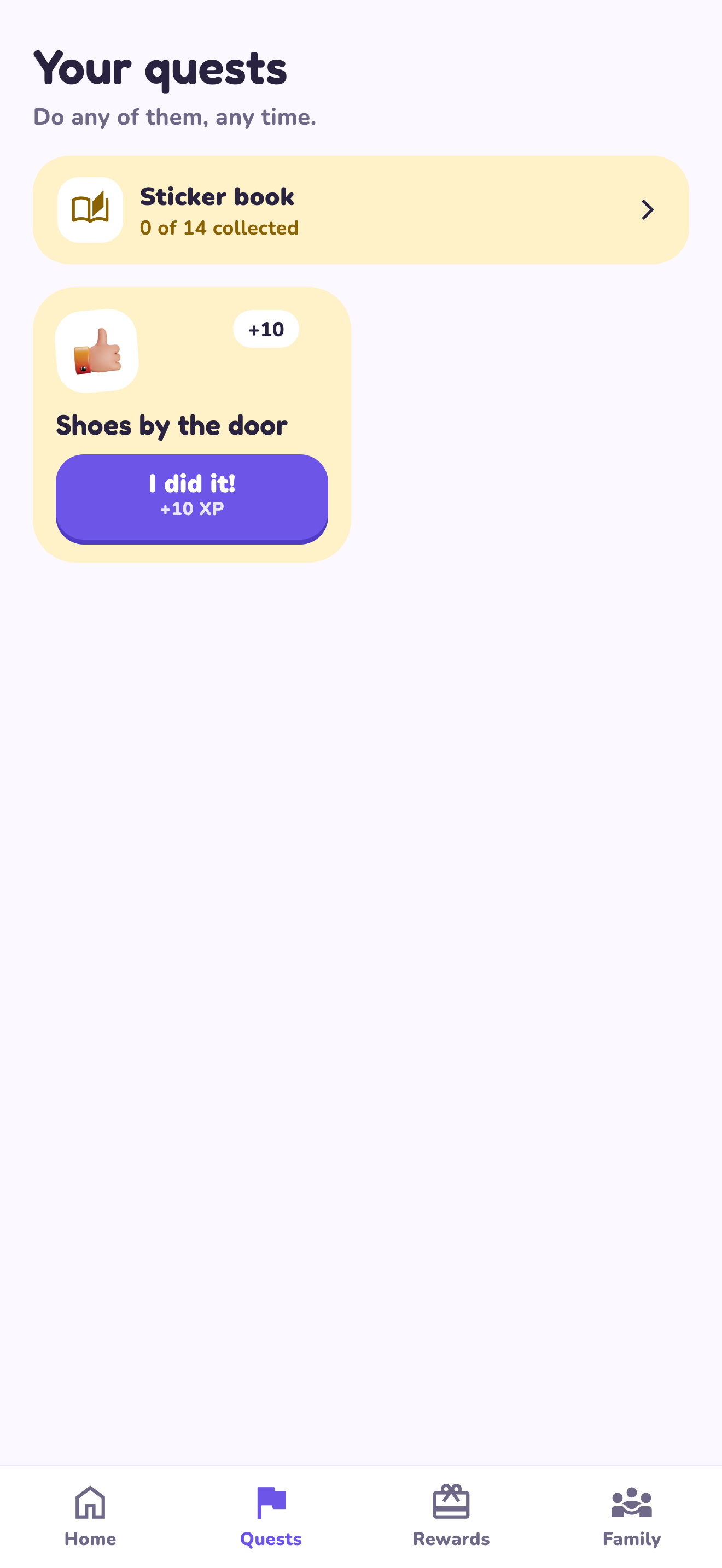
LvlUpKids turns responsibilities into quests, lets a child submit finished work, and lets a parent review it before approved XP goes toward a family-chosen reward. See how LvlUpKids turns chores into parent-approved quests, XP and chosen rewards.
The website template is separate from your account. Edit and print locally, then manually enter selected tasks in the app if you want the quest workflow. There is no automatic import, account save or AI connection on these pages.
Explore the chore app · Free to download, with in-app purchases. Check the store and purchase screen for current device requirements and terms.