Check the whole week’s load
A task that fits Monday may not fit the day a club finishes late. Put fixed school and activity commitments, essential care and rest into the plan first. Then choose a small contribution that is workable with the time left. Move longer shared jobs to a less crowded day rather than filling every evening with the same list. When a new activity starts, review the chores at the same time instead of asking the child to absorb the added workload silently.
A worked family example
On a late club day, the child puts their bag away and clothes in the hamper; a longer shared tidying task moves to the weekend rather than displacing sleep.
A plan to adapt
| Part of the plan | A concrete choice |
|---|---|
| Ordinary day | Bag away, hamper, one small reset |
| Late club day | Bag away and hamper only |
| Weekend | Adult-supported shared tidying |
| Review trigger | A new activity or changing homework workload |
Try this in your household
- Mark fixed school and activity times.
- Protect essential care and rest.
- Choose a shorter contribution on busy days.
- Move longer jobs to a realistic open period.
Where the app can help
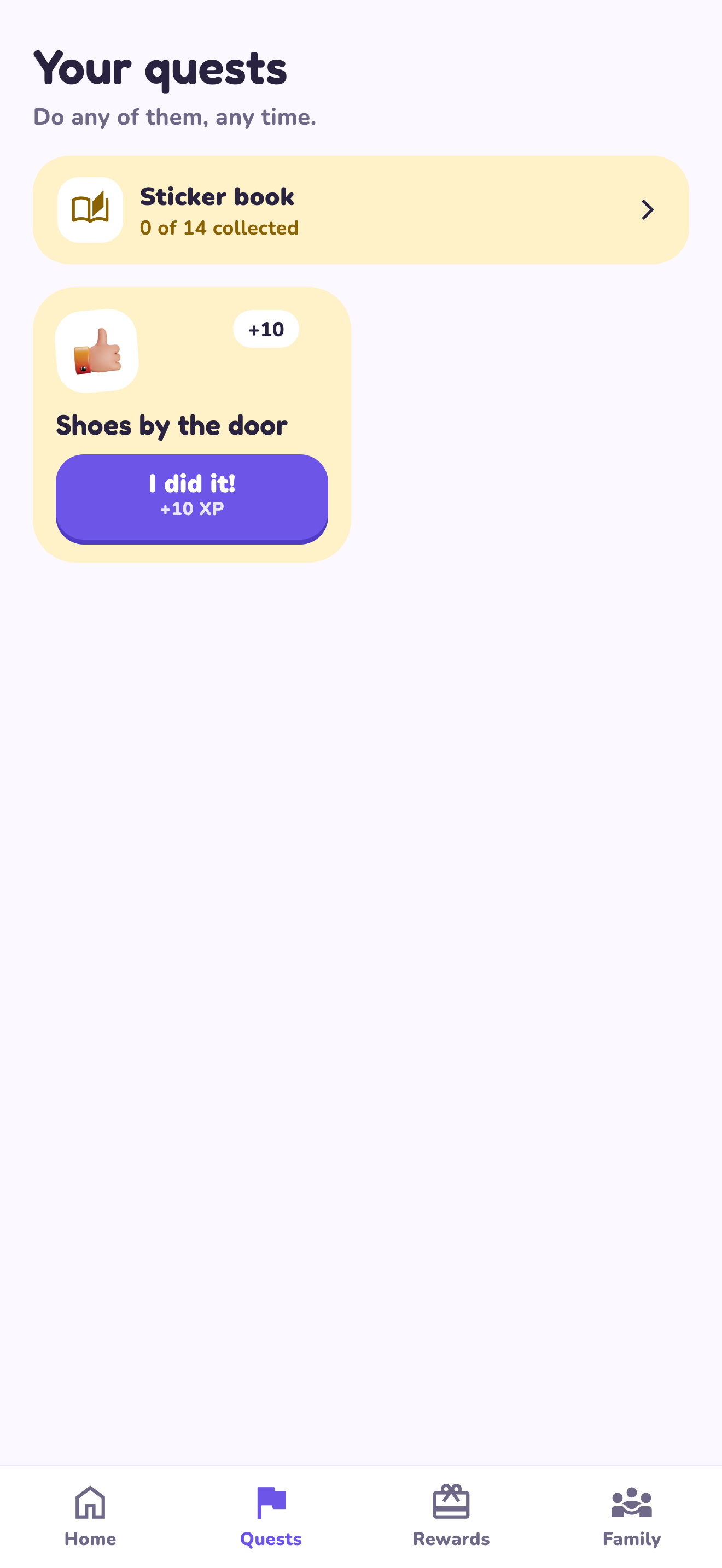
LvlUpKids turns responsibilities into quests, lets a child submit finished work, and lets a parent review it before approved XP goes toward a family-chosen reward. See how LvlUpKids turns chores into parent-approved quests, XP and chosen rewards.
The website template is separate from your account. Edit and print locally, then manually enter selected tasks in the app if you want the quest workflow. There is no automatic import, account save or AI connection on these pages.
Explore the chore app · Free to download, with in-app purchases. Check the store and purchase screen for current device requirements and terms.